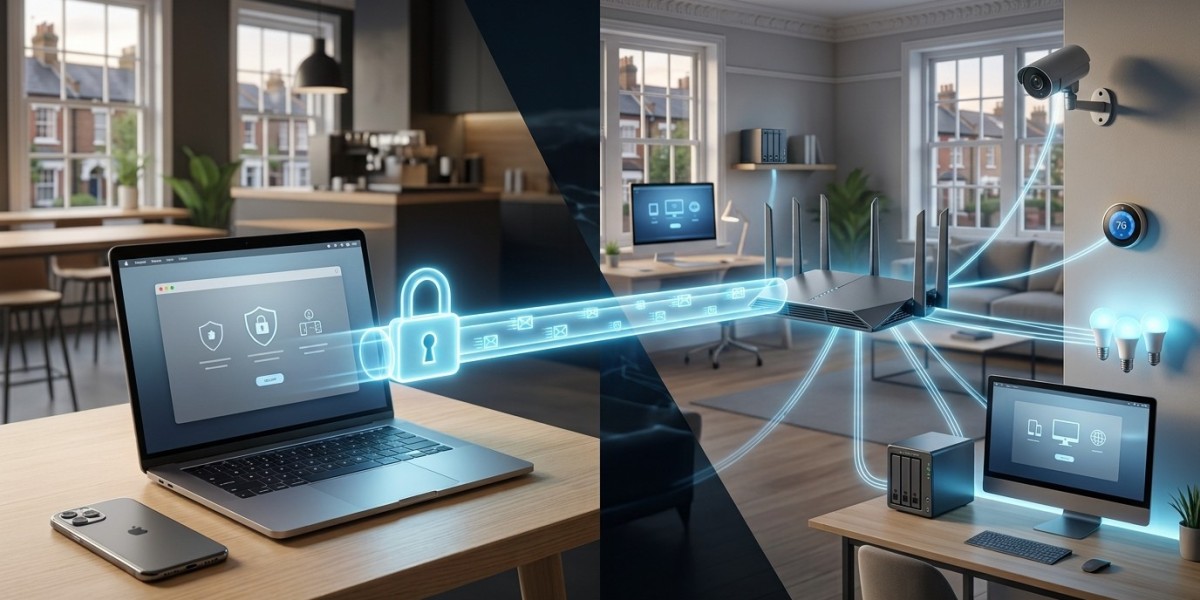


Working remotely has become a normal part of modern life. Whether you are connecting to a business system from home, accessing files while travelling, managing smart devices, or helping a family member with their computer, remote connectivity offers enormous convenience. But convenience can also create security risks when remote connections are poorly configured.
Knowing how to protect your connection is particularly important when accessing a network remotely. A weak password, outdated router, unsecured Wi-Fi connection, or poorly configured remote-access service can give attackers an opportunity to access systems and sensitive information.
The good news is that secure remote networking does not have to be complicated. With the right configuration and a few sensible habits, you can make remote connections considerably safer.
1. Understand How Remote Network Access Works
Before improving security, it helps to understand what remote access actually means.
Remote access allows an authorised device to communicate with another computer, server, network, or service from a different location. For example, you might connect to your home network while travelling or access files stored on a computer at your office.
Common technologies include Virtual Private Networks (VPNs), remote desktop services, cloud-based platforms, and secure remote-management tools. Each method has different security requirements.
The important principle is simple: only authorised users and devices should be able to reach your network resources.
A secure remote-access setup normally involves authentication, encryption, access controls, and monitoring. If any of these areas are neglected, your network may become unnecessarily exposed.
2. Use a VPN for Secure Remote Access
A properly configured VPN is one of the most useful technologies for protecting remote connections.
A VPN creates an encrypted connection between your device and the network or VPN service. Encryption helps prevent unauthorised parties from reading information as it travels between locations.
For businesses and technically managed home networks, VPNs can also provide a controlled way of accessing a network remotely without exposing individual services directly to the public internet.
However, installing a VPN alone does not guarantee security. Use a reputable VPN solution, keep its software updated, and configure authentication correctly.
Where possible, avoid exposing services such as remote desktop directly to the internet. A secure VPN connection combined with strong authentication can provide a much safer approach.
3. Strengthen Passwords and Enable Multi-Factor Authentication
Passwords remain one of the most common weaknesses in remote-access systems.
Avoid simple passwords, reused passwords, names, birthdays, or easily guessed phrases. Instead, use long, unique passwords for important accounts and network services.
A password manager can make this easier by generating and storing complex credentials without requiring you to memorise every password.
Multi-factor authentication (MFA) provides another important layer of protection. With MFA enabled, someone who obtains your password may still be unable to access the account without the additional authentication factor.
For remote access, MFA can be particularly valuable because the service may be reachable from outside your home or office network.
If your router, VPN, cloud account, email account, or remote-management platform supports MFA, consider enabling it.
4. Keep Routers, Computers and Network Devices Updated
Security does not stop once your remote connection has been configured.
Routers, operating systems, VPN applications, firewalls, access points, NAS devices, cameras, and other connected equipment can contain vulnerabilities. Manufacturers regularly release firmware and software updates to address security problems and improve reliability.
Enable automatic updates where appropriate, and regularly check devices that require manual updates.
Your router deserves particular attention. An outdated router can become a weak point through which attackers attempt to gain access to the wider network.
Replace equipment that is no longer supported by its manufacturer. Continuing to rely on unsupported hardware can leave known vulnerabilities unpatched.
5. Limit Remote Access to What You Actually Need
One of the most effective security principles is to reduce unnecessary access.
If a person only needs access to one computer or application, there is little reason to provide access to the entire network. Similarly, if remote access is only required occasionally, it should not necessarily remain permanently available without restrictions.
Consider creating separate user accounts and permissions based on individual requirements.
For example, a user who needs to access documents does not necessarily need administrator privileges. Limiting permissions reduces the potential damage if an account or device is compromised.
You can also restrict access by device, user, network, or service where your equipment supports these controls.
This approach follows the principle of least privilege: give users and devices only the access they need to perform their intended task.
6. Secure the Network You Are Connecting From
Even the best remote-access configuration can be undermined by an insecure local network.
When connecting from home, make sure your Wi-Fi network uses modern security settings and a strong wireless password. Change default router administrator credentials and disable features that you do not need.
Public Wi-Fi requires additional caution. Airports, hotels, cafés, and other shared networks can expose connected devices to increased security risks.
If you need to work remotely from public Wi-Fi, use a trusted VPN and avoid performing sensitive tasks on networks you do not trust.
Your device itself should also have a firewall, current security software, screen locking, and the latest operating-system updates.
Remember that secure remote access is a combination of technologies and habits, rather than one single product.
7. Monitor Remote Connections and Review Access Regularly
Security is an ongoing process. Once remote access has been installed, periodically review who can connect, which devices are authorised, and what services are accessible.
Remove old accounts and devices that are no longer required. Review authentication logs where available and investigate unusual login attempts or unfamiliar devices.
If your system supports notifications for suspicious activity, enable them. Early warnings can help you identify problems before they become serious incidents.
It is also useful to create a simple remote-access policy for households or small businesses. Decide who can access the network, what they can access, and what should happen if a device is lost or compromised.
Regular reviews are especially important when people leave an organisation, replace computers, change roles, or stop using a particular service.
Build a Safer Remote Network
Remote connectivity provides tremendous flexibility, but security should always be part of the design. Whether you are working from home, supporting a small business, or managing connected devices, taking a few preventative measures can dramatically reduce unnecessary exposure.
Use encrypted connections, strong unique passwords, multi-factor authentication, current software, sensible permissions, and secure Wi-Fi. Avoid exposing unnecessary services directly to the internet and regularly review your remote-access configuration.
If you are unsure about accessing a network remotely, professional advice can help you choose an approach that balances security, reliability, and convenience.
At HomeIT Services, we understand that every network is different. A properly designed remote-access setup should be practical for everyday use while protecting the devices, accounts, and information behind it.
The goal is not simply to make remote access possible. It is to make it secure, reliable, and manageable for the long term.









