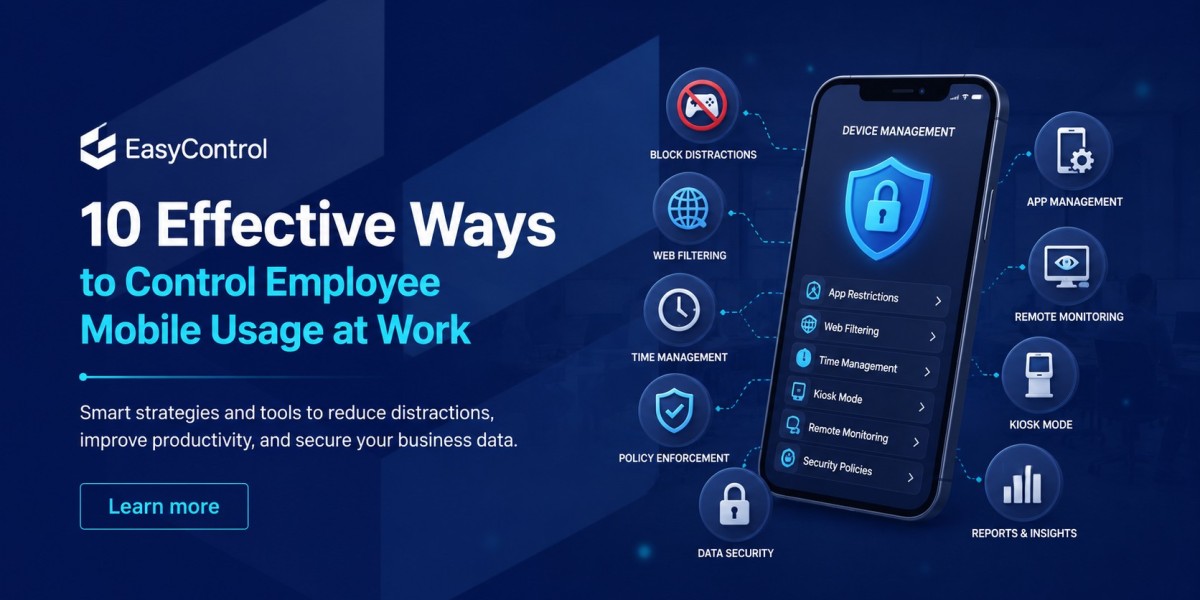


In today's digital workplace, smartphones and tablets have become indispensable tools for communication, collaboration, and productivity. Employees rely on mobile devices to access emails, business applications, cloud storage, video meetings, and customer information from virtually anywhere. However, without proper management, these same devices can become a major source of distraction, security risks, and compliance challenges.
From social media browsing during work hours to unauthorized app installations and unsecured public Wi-Fi connections, uncontrolled mobile usage can negatively impact both productivity and data security. According to multiple workplace studies, employees spend a significant amount of work time on non-business mobile activities, leading to lost productivity and increased cybersecurity risks.
Fortunately, businesses can strike the right balance between employee flexibility and organizational security. With the help of MDM and UDM solutions like EasyControl UDM, IT teams can monitor, secure, and manage corporate devices without disrupting employees' daily workflows.
Here are 10 effective ways to control employee mobile usage at work while creating a secure and productive work environment.
1. Create a Clear Mobile Device Usage Policy
Technology alone isn't enough. Every organization should establish a formal mobile device policy that clearly explains:
Acceptable device usage
Approved business applications
Internet browsing guidelines
Personal device (BYOD) rules
Security requirements
Consequences for policy violations
When employees understand the expectations from day one, compliance becomes much easier.
2. Use Unified Device Management Software
Managing devices manually becomes impossible as businesses grow.
A modern Unified Device Management platform such as EasyControl UDM allows IT administrators to manage Android, iOS, Windows, macOS, and Linux devices from a single dashboard.
With centralized management, administrators can:
Configure devices remotely
Apply security policies
Deploy business apps
Monitor device compliance
Track inventory
Manage updates
Troubleshoot devices remotely
Using one platform simplifies administration while ensuring consistent policies across every device.
3. Restrict Access to Non-Work Applications
Entertainment apps can significantly reduce employee productivity.
IT teams should identify applications that aren't necessary for work and restrict access where appropriate.
Examples include:
Social media apps
Gaming apps
Streaming platforms
Gambling applications
Unauthorized messaging apps
Using EasyControl UDM, administrators can create application policies that allow only approved business apps while blocking unnecessary software.
4. Enable Kiosk Mode for Dedicated Devices
Many organizations use tablets or smartphones for a single business purpose.
Examples include:
Point-of-sale systems
Warehouse scanners
Attendance terminals
Visitor management
Self-service kiosks
Delivery devices
Instead of allowing unrestricted access, administrators can enable Kiosk Mode, locking the device to one or a limited set of approved applications.
This prevents employees from using dedicated devices for personal activities while improving operational reliability.
Explore: what is kiosk mode
5. Monitor Device Activity Responsibly
Monitoring business-owned devices helps IT teams identify security risks and policy violations.
Administrators can monitor:
Device status
Installed applications
Security compliance
Operating system versions
Storage usage
Device health
The objective should always be protecting company assets—not unnecessarily monitoring employees' personal activity. Clear communication about what is monitored helps build trust.
6. Prevent Unauthorized App Installations
Unauthorized applications introduce security vulnerabilities.
Employees may unknowingly install apps that:
Request excessive permissions
Contain malware
Access sensitive business information
Consume excessive bandwidth
A centralized device management software solution enables administrators to:
Block unknown applications
Create approved app lists
Remove risky software remotely
Automatically deploy business apps
This significantly reduces security risks across the organization.
7. Enforce Strong Security Policies
Every mobile device connected to corporate resources should follow consistent security standards.
Organizations should enforce:
Strong passwords or PINs
Biometric authentication
Screen lock timers
Device encryption
Multi-factor authentication (MFA)
Automatic lock after inactivity
These simple measures dramatically improve endpoint security while protecting sensitive business data.
8. Keep Devices Updated with Automated Patch Management
Outdated operating systems are one of the leading causes of mobile security vulnerabilities.
Instead of relying on employees to install updates manually, businesses should automate:
Operating system updates
Security patches
Business application updates
Firmware upgrades
EasyControl UDM enables centralized patch management, ensuring devices remain secure without requiring constant manual intervention.
9. Secure Corporate Data with Remote Management
Lost or stolen devices can expose confidential company information.
With remote device management software, IT teams can immediately:
Lock compromised devices
Remove corporate data
Reset passwords
Push security updates
Locate managed devices (where supported)
Restore compliance policies
Fast response minimizes the risk of data breaches and protects valuable business assets.
10. Educate Employees About Mobile Security
Technology works best when employees understand why security policies exist.
Regular awareness training should cover:
Recognizing phishing attacks
Safe Wi-Fi usage
Secure password practices
Avoiding suspicious downloads
Reporting lost devices immediately
Responsible mobile usage
Employees who understand cybersecurity risks become an active part of the organization's defense strategy.
Why Businesses Choose EasyControl UDM
Managing employee devices shouldn't require multiple tools or complicated processes.
EasyControl UDM provides a centralized platform for managing Android, iOS, Windows, macOS, and Linux devices from a single dashboard.
Key capabilities include:
Unified Device Management
Mobile Device Management
Remote Device Management
Application Management
Android Kiosk Mode
Device Compliance Monitoring
Patch Management
Security Policy Enforcement
Remote Lock and Wipe
Cross-Platform Device Management
Real-Time Device Monitoring
Centralized IT Administration
Whether employees work in the office, remotely, or in the field, EasyControl helps IT teams maintain complete visibility and control while supporting productivity.
Benefits of Controlling Employee Mobile Usage
Organizations that implement effective mobile usage policies experience several long-term benefits:
Improved employee productivity
Reduced security risks
Better compliance with company policies
Lower IT management costs
Faster onboarding and device deployment
Fewer unauthorized applications
Stronger protection against data breaches
Simplified remote device support
Consistent security across all endpoints
By combining clear policies with modern UDM software, businesses can create a secure and efficient mobile work environment.
Explore: How to Control Employee Mobile Usage
Conclusion
Mobile devices are essential for today's workforce, but without proper controls they can become a source of distraction, security vulnerabilities, and operational inefficiencies. By implementing clear usage policies, restricting unauthorized apps, enabling kiosk mode where appropriate, automating updates, and using a centralized Unified Device Management solution, organizations can maintain the right balance between productivity and security.
EasyControl UDM makes this process simple by giving IT administrators one platform to manage Android, iOS, Windows, macOS, and Linux devices. With powerful features like remote device management, application control, patch management, and compliance monitoring, businesses can confidently control employee mobile usage while empowering teams to work efficiently and securely.









