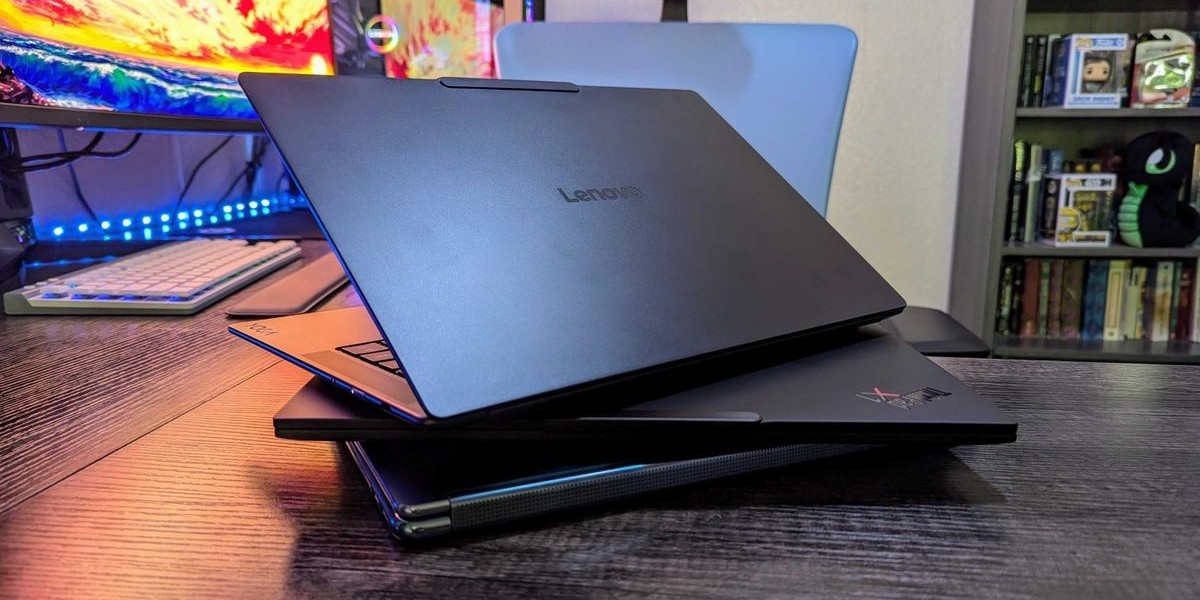


Buying a used laptop can be a great way to save money, but choosing the wrong device can turn a good deal into an expensive problem. From ignoring battery health to focusing only on the processor, buyers can easily overlook important details when purchasing a pre-owned laptop.
Whether you are buying a used laptop for work, study, entertainment, or everyday browsing, avoiding these common mistakes can help you make a safer and smarter purchase.
1. Choosing the Cheapest Laptop
One of the biggest mistakes is assuming that the lowest price automatically means the best deal. A very cheap laptop may have an outdated processor, damaged battery, slow storage, or expensive hardware problems.
Instead of comparing prices alone, consider the laptop's specifications, condition, battery health, warranty, and expected repair costs.
2. Ignoring the Laptop's Age
A laptop's age matters because older hardware may have limited software support and reduced performance.
Do not focus only on whether the laptop is labelled Core i5 or Core i7. Processor generation and the exact model are important. A newer mid-range processor can be a better choice than an older high-end processor.
3. Not Checking Battery Health
Used laptop batteries naturally lose capacity over time. A laptop that appears to work perfectly while connected to a charger may have very poor battery life.
Ask about battery health and test the laptop without the charger if possible. Also check for unusual heat, rapid battery drain, or unexpected shutdowns.
A swollen battery is a serious safety concern and should be professionally replaced.
4. Buying a Laptop With an Old Hard Drive
Older laptops often come with mechanical hard drives. While these can still function, they are significantly slower than modern SSDs for many everyday tasks.
If you find a laptop with otherwise good specifications but a traditional hard drive, determine whether an SSD upgrade is possible and include its cost in your budget.
5. Not Checking RAM
Insufficient RAM can make multitasking frustrating. While 8GB can be enough for basic work, study, and browsing, 16GB is generally a more comfortable choice for heavier multitasking.
Also check whether the laptop allows RAM upgrades. Some models have memory soldered directly to the motherboard.
6. Focusing Only on Processor Names
Seeing "Core i7" in a listing does not automatically mean the laptop is powerful or modern. Processor generation, architecture, power rating, and specific model number all matter.
Compare the complete processor model rather than relying on the branding alone.
7. Ignoring Physical Damage
Cosmetic marks are common on used laptops, but serious damage should not be ignored. Cracked panels, loose hinges, damaged ports, bent frames, or screen problems can indicate previous accidents.
Inspect the laptop carefully and test the hinges, display, keyboard, touchpad, and ports before purchasing.
8. Forgetting to Test the Screen
A damaged display can be expensive to replace. Check the screen for dead pixels, flickering, lines, discolouration, and unusually bright or dark areas.
Also test the display at different brightness levels and make sure the resolution matches the seller's description.
9. Not Testing the Ports
USB, HDMI, USB-C, headphone, charging, and memory-card ports should be tested where available.
Also check Wi-Fi, Bluetooth, webcam, microphone, speakers, and other features included with the laptop. Small hardware faults can become inconvenient and expensive over time.
10. Ignoring Overheating
An overheating laptop may have blocked vents, accumulated dust, a damaged cooling fan, or other internal problems.
Run the laptop for a reasonable period and monitor its temperature and fan behaviour. Excessive heat, sudden performance drops, loud fans, or unexpected shutdowns are warning signs.
11. Trusting the Listing Without Verification
Never assume that an online listing is completely accurate. Verify the processor, RAM, storage, graphics, screen resolution, and operating system yourself.
Ask the seller for clear photographs and exact model information when necessary. This can prevent you from paying for specifications the laptop does not actually have.
12. Ignoring the Seller's Reputation
A reliable seller can make the buying process much safer. Check reviews, return policies, warranty information, and previous customer feedback.
Be cautious if a seller refuses to provide basic information, pressures you to pay quickly, or offers a price that seems unusually low.
13. Forgetting Warranty and Return Options
Even a properly tested used laptop can develop problems after purchase. A warranty or return period provides additional protection.
Before paying, understand exactly what the warranty covers and whether repairs, replacement parts, or returns are included.
14. Not Considering Upgrade Costs
A cheap laptop may require several upgrades before it meets your needs. You might need additional RAM, a larger SSD, a replacement battery, or a new charger.
Calculate these costs before deciding whether the laptop is genuinely affordable.
Final Thoughts
Avoiding common used laptop buying mistakes can save you money and prevent unnecessary frustration. Do not focus solely on price or processor branding. Instead, examine the laptop's age, battery health, RAM, storage, display, physical condition, cooling system, and overall performance.
Always verify the specifications, test the important components, and consider the seller's reputation and warranty. Taking a little extra time before purchasing can help you find a used laptop that delivers reliable performance and better long-term value.









