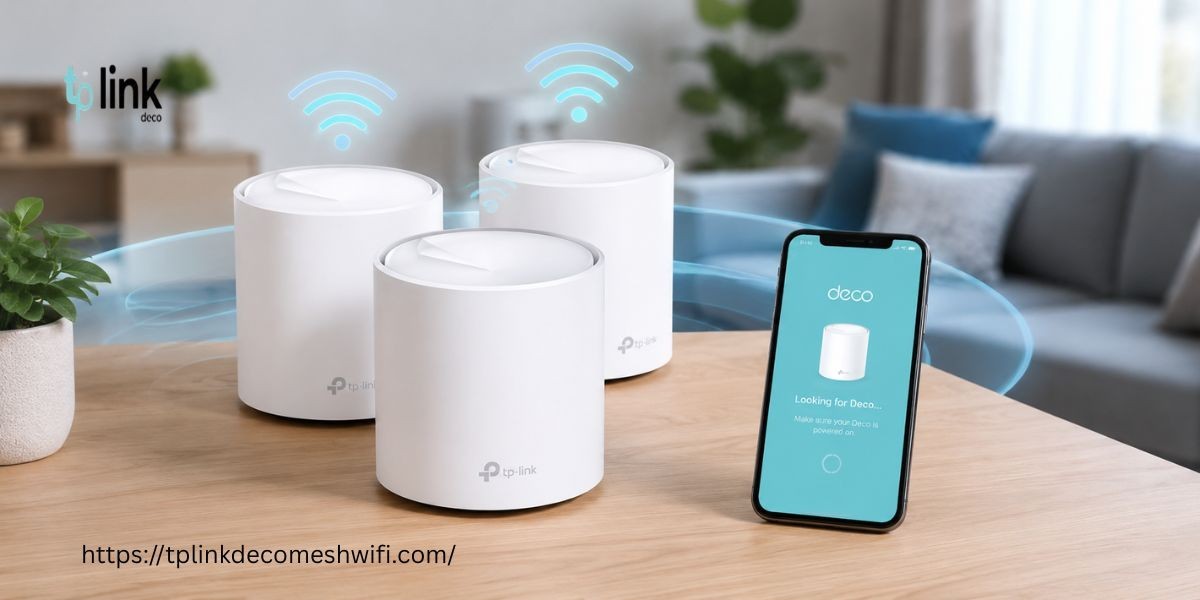


A stable WiFi connection is important for browsing, streaming gaming and working from home. If your tp link deco keeps going offline it can interrupt your internet connection and affect multiple devices. Fortunately, you can try several troubleshooting methods to restore a stable connection.
Why Does TP Link Deco Keep Going Offline?
Your Deco system may go offline because of:
Unstable internet service
Loose Ethernet connections
Poor Deco placement
Outdated firmware
Overheating
Router configuration problems
Temporary network glitches
Incorrect Deco setup
1. Check Your Internet Connection
First, check whether your modem has an active internet connection. Connect another device directly to the modem if possible. If the internet is unavailable, contact your internet service provider.
2. Restart Your Deco System
Power off your modem and all Deco units. Wait for about one minute. Turn on your modem first and wait until the internet connection is active. Then power on your main Deco followed by the other units.
Check whether the connection becomes stable.
3. Check the Ethernet Cable
A damaged or loose Ethernet cable can cause frequent disconnections. Remove the cable from your modem and main Deco unit. Reconnect it firmly. You can also test another Ethernet cable if available.
4. Improve Deco Placement
Place your Deco units in open areas with good airflow. Avoid keeping them inside cabinets or near large electronic devices. Additional Deco units should remain within a suitable range of the main unit.
Good placement can improve your Deco setup and help maintain a stronger connection.
5. Update Your Deco Firmware
Outdated firmware may cause performance and connectivity problems. Open the Deco app and check for available updates. Install the latest compatible firmware and keep the Deco units powered on during the update.
6. Check the Deco App
Open the Deco app and check the network status. Look for disconnected units or error notifications. Follow the recommended troubleshooting instructions provided by the app.
7. Factory Reset TP Link Deco
If other methods do not work you can factory Reset TP Link Deco and configure the network again.
Press and hold the reset button on the Deco unit according to your model instructions. Wait for the LED to indicate that the reset is complete. After resetting, you will need to perform the Deco setup again.
A factory reset should be considered after basic troubleshooting because it removes your existing network configuration.
FAQs
Why does my TP Link Deco keep disconnecting?
The problem may be caused by unstable internet service, poor placement, outdated firmware or a faulty connection.
Will restarting Deco fix the offline problem?
Restarting the modem and Deco units can resolve temporary connection problems.
Should I factory reset my Deco?
Try basic troubleshooting first. Use a factory reset when other solutions do not resolve the issue.
How can I improve my Deco connection?
Keep the units in open locations and maintain a suitable distance between the main Deco and satellite units.
Conclusion
If your tp link deco keeps going offline, start by checking your internet connection and Ethernet cable. Restart the network and improve Deco placement. Updating firmware can also help. If the problem continues, consider factory Reset TP Link Deco and complete the Deco setup again for a fresh configuration.