

What I Learned After Running an Android Download Website for Years
When people talk about building a content website with WordPress, most examples are blogs, business sites, or online stores. Very few people discuss what happens when you run a large Android app and game download website.
I have worked on WordPress projects for more than ten years. During that time, I built company websites, client portals, membership platforms, digital product stores, and content-heavy download websites. One of the most demanding projects was an Android app directory that contained thousands of posts, screenshots, download links, categories, and update logs.
At first, I thought WordPress would be the easy part. I was wrong.
The real challenge was organizing large amounts of content while keeping the site fast, easy to navigate, and simple to maintain.
This article shares some lessons I learned from managing large download websites and why choosing the right theme architecture matters more than most people think.
The Biggest Problem Was Never Content
Most new website owners worry about content.
How many posts should I publish?
How many apps should I upload?
How many categories should I create?
Those questions matter, but they are not usually the reason a site struggles.
The real problem appears after several months.
A website may start with a few hundred posts. Then it grows to a few thousand. Before long, it may contain ten thousand pages or more.
At that point, small mistakes become serious problems.
I have seen websites where:
Categories became impossible to manage
Search results returned poor matches
Related posts showed irrelevant content
Mobile pages loaded slowly
Users could not find updated versions
Navigation menus became overcrowded
The site owner often blamed hosting.
Sometimes hosting was part of the issue, but poor site structure was usually the bigger problem.
Why Site Structure Matters More Than Design
Many people choose a theme based on screenshots.
The homepage looks nice.
The colors look modern.
The demo looks impressive.
But visitors do not stay because of colors.
They stay because they can find what they need.
For an Android download website, users usually want one thing:
A specific app.
Or a specific game.
If they cannot locate it within a few seconds, they leave.
That means navigation becomes more important than visual effects.
Over the years, I started paying more attention to:
Category hierarchy
Search behavior
Internal linking
Mobile navigation
Update visibility
Content organization
Those factors influenced user behavior far more than fancy animations.
What Happened When Our Content Reached Thousands of Pages
One project grew faster than expected.
Every week we added new applications.
We also updated older versions regularly.
Soon the website contained thousands of pages.
At that stage, a simple blog layout stopped working.
Visitors needed more information on each page.
For example:
Version number
Update date
Android requirements
Category
File size
Developer name
Changelog
Displaying this information manually became exhausting.
Every update required editing multiple sections.
That increased the chance of mistakes.
The solution was moving toward a theme structure specifically designed for download websites rather than adapting a generic blog theme.
Understanding Specialized Download Themes
A specialized download theme is built around data organization.
Instead of treating every post like a blog article, it treats content as products or downloadable resources.
This changes everything.
A well-designed system can automatically display:
App information
Version history
Download buttons
Related content
Categories
Screenshots
Ratings
This saves a huge amount of time.
When content volume grows, automation becomes necessary.
Without automation, site maintenance eventually becomes impossible.
A Real Workflow That Saved Hours Every Week
One improvement that made a big difference was standardizing metadata.
Instead of manually formatting every page, we created a fixed publishing process.
The workflow looked like this:
Step 1: Prepare Content
Before publishing, collect:
App name
Version
File size
Android version
Developer details
Screenshots
Everything is prepared before touching WordPress.
Step 2: Organize Categories
Avoid creating random categories.
For example:
Bad structure:
Games
Racing Games
Racing
Racing Apps
Good structure:
Games
Racing
Action
Puzzle
Simple structures scale much better.
Step 3: Use Consistent Naming
Many website owners underestimate naming consistency.
If one post uses:
"Version 2.1"
and another uses:
"v2.1"
and another uses:
"Latest Version 2.1"
you create unnecessary confusion.
Consistency improves both user experience and maintenance.
Step 4: Review Mobile Experience
More than half of visitors often arrive from mobile devices.
Every new page should be checked on:
Small phones
Medium screens
Tablets
Desktop-only testing is not enough.
The Performance Mistakes I See Repeatedly
Large download websites often become slow.
Usually this is caused by three issues.
Excessive Plugins
Many site owners install plugins for every small task.
One plugin for buttons.
One plugin for tables.
One plugin for ratings.
One plugin for popups.
Eventually the website becomes difficult to maintain.
I prefer solving problems with fewer tools whenever possible.
Oversized Images
Screenshot galleries can become huge.
I once audited a site where a single page loaded more than 20 MB of images.
Visitors left before the page finished loading.
Compressing images improved performance immediately.
Poor Database Maintenance
Large websites create large databases.
Old revisions, spam comments, expired data, and unused options continue growing.
Regular cleanup helps maintain speed.
What Makes Users Stay Longer
Analytics data often reveals surprising behavior.
Users rarely enter through the homepage.
Most arrive directly from search engines.
After reading one page, they decide whether to continue exploring.
The factors that improved engagement most were:
Clear Internal Links
Related content should actually be related.
Showing random content rarely helps.
Visible Updates
Users want to know whether a file is current.
Update dates build confidence.
Simple Navigation
Complex menus often hurt usability.
Simple navigation usually wins.
Fast Search
Many visitors use search immediately.
Search quality affects retention more than homepage design.
Choosing the Right Theme for This Type of Website
After testing different approaches over the years, I learned that themes designed specifically for APK and Android download websites generally require fewer custom modifications.
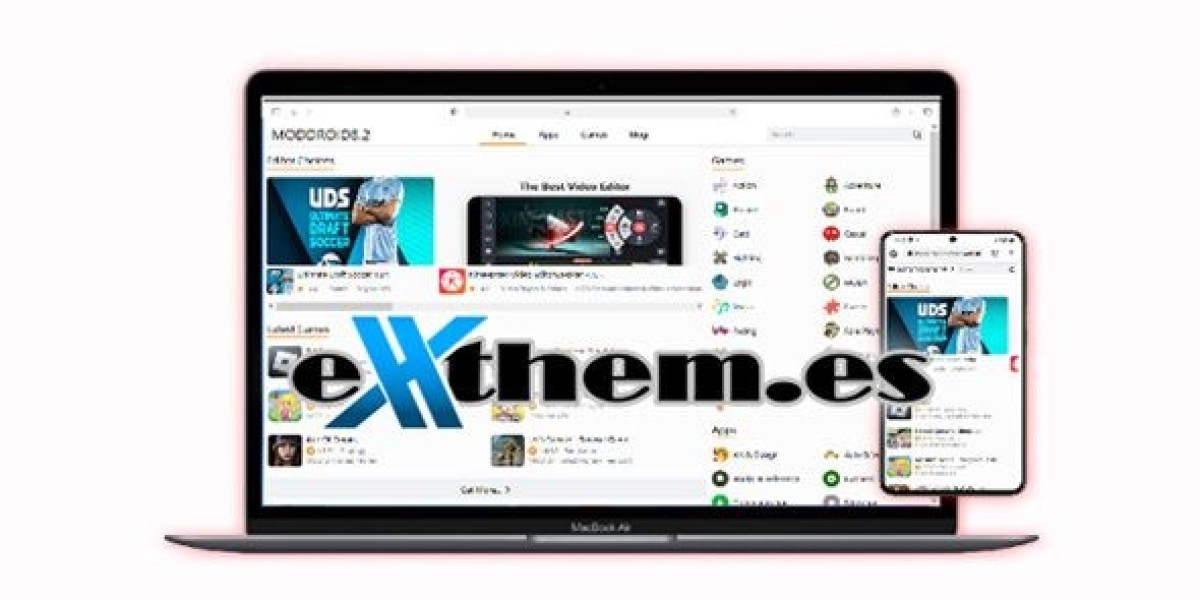
One example is Moddroid Themes Premium, which follows a structure aimed at app and game download platforms.
The main benefit is not appearance.
The main benefit is organization.
When content volume grows, organized data becomes far more important than visual effects.
A specialized framework can reduce manual work and create a more consistent experience for visitors.
That does not mean it is perfect for every project.
Small blogs may not need such a setup.
However, for websites focused on Android apps, game downloads, and large content libraries, purpose-built structures often save considerable time.
Plugins Should Support the Site, Not Control It
A mistake I made years ago was relying too heavily on plugins.
Whenever a problem appeared, I installed another plugin.
Eventually updates became risky.
Conflicts became common.
Troubleshooting became difficult.
Now my rule is simple.
Every plugin must justify its existence.
If a plugin saves time, improves security, or solves a real business problem, it stays.
Otherwise, it goes.
For website owners who are building larger WordPress projects, reviewing a collection of Essential Plugins can help identify tools that solve practical problems without adding unnecessary complexity.
The goal is always balance.
More plugins do not automatically create a better website.
A Lesson From a Site Audit
A few years ago, a client asked why traffic had stopped growing.
They believed they needed more content.
After reviewing the site, I found something different.
The website already had thousands of pages.
The problem was navigation.
Users could not easily discover older content.
Categories were inconsistent.
Internal links were weak.
Search results were messy.
Instead of publishing hundreds of new pages, we focused on structure.
We improved:
Category organization
Internal linking
Search functionality
Mobile usability
Within months, engagement improved significantly.
That experience changed how I evaluate websites.
Content matters.
But structure often matters more.
One External Resource Worth Reading
For anyone serious about improving WordPress performance, the official WordPress documentation remains one of the best references available:
It provides practical information for beginners and experienced users alike.
Final Thoughts
Running an Android download website looks simple from the outside.
Publish apps.
Add screenshots.
Share download links.
In reality, managing thousands of pages requires careful planning.
The biggest lessons I learned were surprisingly simple:
Keep categories organized
Use consistent publishing standards
Focus on mobile users
Avoid unnecessary plugins
Improve internal linking
Maintain database health
Choose a theme built for your content type
Most website problems do not appear on day one.
They appear after months or years of growth.
Planning for that growth from the beginning saves a tremendous amount of work later.
Whether you are launching a new Android download website or rebuilding an existing one, structure, usability, and long-term maintenance should always receive as much attention as design.









