

Quick Summary
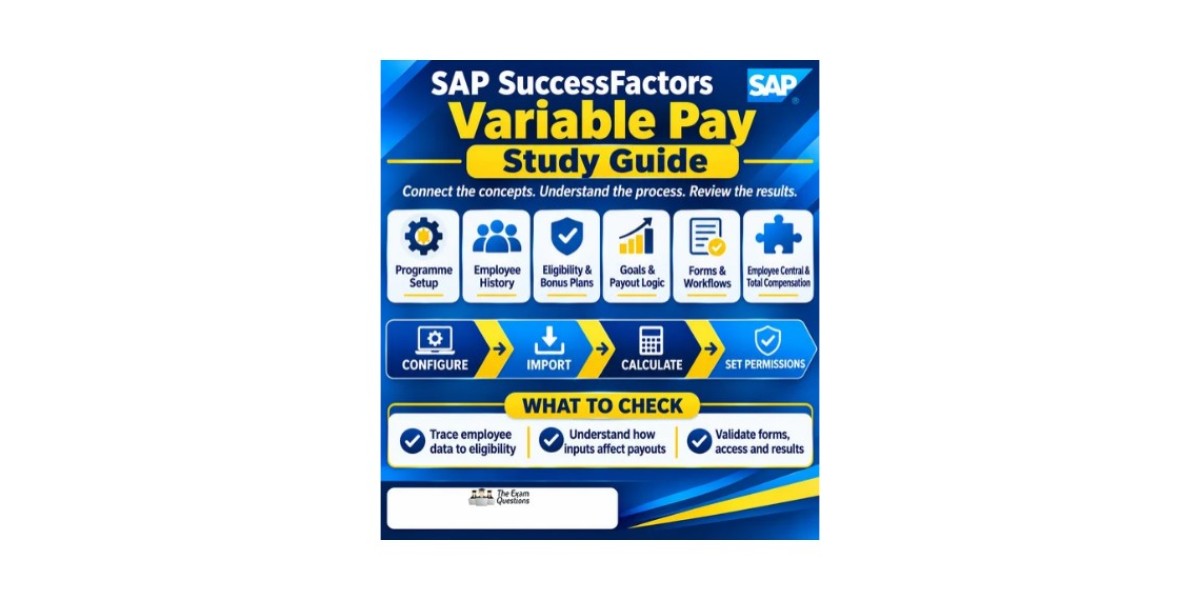
The SAP SuccessFactors Variable Pay Study Guide explains the core concepts of the product and how they connect through an incentive cycle. It covers programme configuration, employee history, eligibility, bonus calculations, worksheets, permissions, and Employee Central integration, with a four-question method for revising each topic.
How Variable Pay components work together
Remembering what each configuration option does is a small part of understanding Variable Pay. The components support one incentive management process, and each one makes more sense once you know what it uses and what depends on it.
Employee history supplies information that can influence eligibility and payout calculations. Bonus plans define the incentive arrangements. Business goals and their weights feed performance-based results, and managers use Variable Pay forms to review the numbers and complete the configured workflow. A feature that looks simple on its own becomes clearer when you trace its inputs and its consequences.
This guide is a structured reference to those concepts and their relationships.
What is the purpose of Variable Pay?
Variable Pay is compensation that changes with defined business or employee performance measures. Regular salary is stable, while incentive payouts can depend on company results, team performance, productivity, quality, and individual achievement.
SAP SuccessFactors Variable Pay manages these programmes through configurable plans, employee history processing, eligibility rules, calculations, and approval workflows. A company might run an annual incentive programme where each employee group has its own bonus plan, performance targets, and eligibility conditions. The system keeps those requirements inside one structured process.
The seven areas to cover in your studies
SAP's Variable Pay Academy has seven units, and they make a sound framework for organising what you know.
- Introduction and customer analysis: the purpose of incentive programmes and how customer requirements shape the design.
- Programme setup and employee data: programme properties, history records, and the data calculations need.
- Bonus plans and form management: plan configuration, employee participation, and how managers review compensation through forms.
- Advanced features and functionalities: forecasting and other options for complex requirements.
- Employee Central integration: how employee information reaches Variable Pay and how it is processed.
- Total Compensation Plan Template: Variable Pay inside a broader compensation planning structure.
- Consultant responsibilities: understanding requirements, weighing configuration choices, and explaining decisions.
These units describe a course. They are not a guaranteed list of assessment questions or a topic weighting. Check the SAP official certification page for the current assessment details.
How the main components connect
Programme configuration and bonus plans
A Variable Pay programme represents one incentive cycle. Its settings cover dates, hierarchy, guidelines, bonus cap behaviour, and calculation options. Bonus plans sit inside the programme and carry the incentive arrangements.
A company with separate sales and operations structures may need different plans because the groups have different targets and measures. When you study this area, keep programme-level settings apart from plan-specific requirements.
Employee data and employee history
Employee data identifies participants and drives the cycle. Employee history holds effective-dated assignment information such as employment dates and salary. It can influence eligibility, bonus basis amounts, participation periods, proration, and the effect of assignment changes during the cycle.
If an employee gets a salary change mid-period, the relevant history records and the configured calculation rules shape the basis used for the incentive. Accurate employee information is needed before you calculate any payout.
Eligibility rules and plan assignments
SAP documents three levels of eligibility rules, and each does a different job:
- The Global Eligibility Rule sets an overarching condition for a programme.
- The Employee History Eligibility Rule determines which history records are selected.
- The Bonus Plan Eligibility Rule determines whether an employee qualifies for a particular plan.
Knowing the differences helps when an employee shows up in one part of the process and is excluded from another.
Business goals and goal weights
Business goals are the performance measures in a programme. Weights show how much each goal counts in the configured calculation. A company might weight revenue growth, customer satisfaction, and operational performance differently. The goal, its weight, and the actual result are three separate things, and mixing them up leads to wrong diagnoses.
How bonus calculation works
Calculations apply the configured rules to employee and performance information. Typical inputs are the bonus basis, target incentive, plan assignment, eligibility, employee history, goal results, goal weights, individual or team performance, proration, and payout limits.
SAP supports additive and multiplicative structures, and the programme configuration decides which one applies. A useful habit is to trace a result backwards. When an employee receives less than expected, check history, bonus basis, eligibility, goal achievement, and settings before deciding the formula is wrong.
Forms, worksheets, and approval workflows
Variable Pay forms give managers and planners an interface for reviewing employee information and bonus results. They connect to a planner hierarchy and can show bonus details, budgets, history, and calculation information. A route map controls how forms move through approval.
Forms depend on earlier work. SAP's training material states that employee history, bonus plans, eligibility, business goals, and goal weights must be available, and bonus calculations must have run, before forms can be created. The order to remember is: prepare data, validate it, calculate payouts, generate forms, then review and approve. Studying forms as if they stand apart from that chain leaves a gap.
Role-Based Permissions and administration
Role-Based Permissions control who can reach which functionality and what they can do there. Permission roles define the actions users may take. Permission groups decide which users receive those permissions and the target population the access covers.
An HR administrator might edit certain compensation fields while a manager has read access to the same fields. Consider both the action granted and the population involved. That explains why a user can open a form yet be unable to edit a field or finish an administrative action.
Employee Central and Variable Pay integration
Integration connects employee information with Variable Pay. Study the links between Employee Central records, employee history field mapping, eligibility rules, bonus target information, and record processing. Mapping matters because Variable Pay needs the right employee information for planning and calculations.
Job changes during an incentive period can create several history records. Understanding how those records are selected and processed explains their effect on eligibility and proration. Also learn why you validate imported information and check that results match the configuration.
Advanced features worth reviewing
Once the basics are solid, move to the advanced features in the Academy:
- Forecasting lets administrators model achievement levels and compare projected results with actual performance.
- Proration adjusts awards to reflect assignment periods or changes in salary and target incentives.
- Budgeting supports monitoring of incentive costs.
- Flexible payout curves set how performance and payout points relate to the payout percentage.
Focus on purpose, dependencies, and effect for each one, since memorising every configuration label pays off less.
A better way to revise each topic
Ask four questions of every feature:
- What does it do?
- What information does it use?
- What depends on it?
- How can the result be checked?
Employee history shows the method well. You should be able to state its purpose, list what it contains, explain how eligibility and calculations use it, and describe how to verify that imported records are correct. Apply the same four questions to programme settings, bonus plans, goals, calculations, forms, and integration.
Final thoughts
Programme settings establish the incentive process, employee information supports eligibility and calculations, goals shape performance results, and forms and permissions handle review and approval. Seeing those links is what makes the module make sense.
Use this guide next to the official Variable Pay Academy and the SAP product documentation. For more certification information and practice material, visit The Exam Questions.







