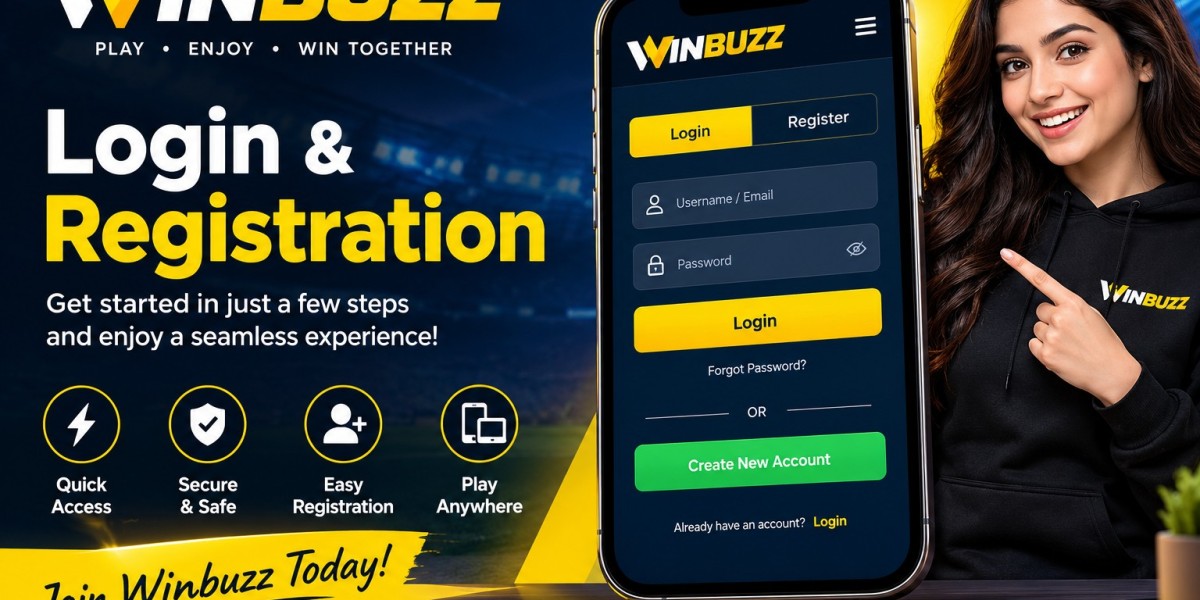


Accessing an online platform should be simple, convenient, and easy to understand. Whether you are a first-time visitor or a returning user, knowing how the login process works can make your overall experience more comfortable. Winbuzz focuses on providing a straightforward navigation experience, helping users understand account access and explore the available platform features with greater ease.
If you are looking for information about Winbuzz Login, this guide explains the basic access process, important account details, common login difficulties, and practical tips for a smoother experience.
What Is Winbuzz Login?
Winbuzz Login refers to the process of accessing an existing account through the relevant sign-in page. It allows returning users to enter their account credentials and reach the available dashboard features.
The login process is an important part of the overall Winbuzz experience because it connects users with their account information and platform navigation options.
For a better experience, users should understand the following basic elements:
Account credentials: The username, registered mobile number, or other details associated with an account.
Login page: The designated section where existing users begin the sign-in process.
Account dashboard: The main area displayed after successful authentication.
Account assistance: Support information that may help users resolve access-related difficulties.
Understanding these elements can make the Winbuzz login experience easier to follow.
How to Access Winbuzz: A Step-by-Step Guide
Following a few simple steps can help users understand the general account access procedure.
Step 1: Open the Relevant Website
Start by opening the Winbuzz website through a web browser. Carefully check the complete website address before proceeding. Avoid unfamiliar links or pages that appear to imitate an established platform.
Step 2: Find the Login Section
Once the website opens, look for the login option. It is generally displayed in an easily accessible area of the homepage.
Select the relevant option to continue to the account access section.
Step 3: Enter Your Account Information
Provide the credentials associated with your existing account. Depending on the available login method, this may include a username, registered mobile number, or password.
Make sure the information is entered correctly to avoid unnecessary login errors.
Step 4: Review Your Details
Before continuing, carefully check the information you have provided. Even a small typing mistake can prevent successful account access.
Pay attention to:
Correct username or account identification.
Accurate password entry.
Unwanted spaces or typing errors.
Uppercase and lowercase characters where applicable.
Step 5: Complete the Login Process
Follow the instructions displayed on the relevant page. If an additional verification step is required, complete it through the verified process provided by the service.
After successful authentication, you may be directed to your account dashboard.
Understanding the Winbuzz Dashboard After Login
The dashboard is an important part of the Winbuzz user experience. It provides a central navigation area where available account options and platform sections can be displayed.
Although the exact layout may change depending on the website version and device, understanding common dashboard elements can make navigation easier.
1. Account Information
This section may display basic account-related details. Users should review their information periodically and ensure that their registered details remain accurate.
2. Navigation Menu
A well-organized navigation menu helps users move between different sections without repeatedly returning to the homepage.
3. Profile Settings
Profile-related options may allow users to review their account information and manage supported preferences.
4. Help and Support
Support information is useful when users experience technical difficulties or need clarification about account-related procedures.
Getting familiar with these sections can make the Winbuzz interface easier to understand.
Common Winbuzz Login Problems and Their Solutions
Sometimes, users may experience difficulties while accessing an account. Most basic login problems can be investigated through a few simple troubleshooting steps.
Here are some common situations and practical solutions.
Incorrect Username or Password
One of the most common reasons for unsuccessful login attempts is incorrect account information.
What to do:
Recheck the entered username or account ID.
Verify that the password is correct.
Check for accidental spaces.
Use the verified password recovery procedure if necessary.
Website Not Loading Properly
A slow internet connection or temporary browser issue can prevent a website from loading correctly.
What to do:
Check your internet connection.
Refresh the webpage.
Close unnecessary browser tabs.
Try another updated browser.
Clear the browser cache if the problem continues.
Forgotten Account Details
Remembering account credentials can sometimes become difficult, particularly when users have multiple online accounts.
What to do:
Look for the available account recovery instructions on the verified service website. Follow the official process and provide only the information necessary for account recovery.
Never share passwords or one-time verification codes with unknown individuals.
Temporary Access Difficulties
Occasionally, technical maintenance or temporary service interruptions may affect website accessibility.
What to do:
Wait a short while before trying again. If the problem continues, consult the service's verified support channel for further information.
Practical Tips for a Better Winbuzz Login Experience
A smooth login experience depends on more than simply entering account details. Good browsing habits and basic security practices can also make a difference.
Consider these useful suggestions:
Save the verified website address: Keep the correct website address in your browser bookmarks to reduce the possibility of opening an unfamiliar page.
Use an updated browser: Current browser versions generally offer better compatibility and security features.
Maintain a stable connection: A reliable internet connection can help prevent interruptions during account access.
Protect your password: Create a strong, unique password that is difficult for others to guess.
Avoid shared devices: If you must use a shared computer, never save your login information.
Sign out after use: Always log out when accessing an account through a public or shared device.
Keep your device updated: Regular operating system and browser updates help improve overall device security.
These small habits can contribute to a more organized and secure browsing experience.
Winbuzz Login on Mobile Devices
Mobile accessibility is an important consideration for people who prefer browsing through smartphones and tablets.
Winbuzz users may explore the available mobile-friendly website experience through a compatible browser, depending on service availability.
A few simple practices can make mobile access more convenient:
Open the verified website using an updated mobile browser.
Allow the homepage to load completely.
Locate the account login section.
Enter the required credentials carefully.
Follow the displayed instructions.
Sign out after completing your session if you are using a shared device.
Before installing any application, verify its source and authenticity. Avoid downloading unknown installation files or granting unnecessary permissions.
Why Understanding the Login Process Matters
Knowing how the Winbuzz login process works can help users avoid common mistakes and navigate the website more confidently.
There are several advantages to understanding the basic access procedure.
Saves Time: Knowing where to find the login section reduces unnecessary navigation.
Reduces Errors: Understanding the required account information helps prevent repeated unsuccessful attempts.
Improves Navigation: Familiarity with the dashboard makes it easier to locate relevant account options.
Encourages Better Security: Learning safe login practices helps users protect their personal information.
Supports Independent Troubleshooting: Basic technical knowledge allows users to identify simple browser or connectivity issues without unnecessary confusion.
Frequently Asked Questions About Winbuzz Login
1. What is Winbuzz Login?
Winbuzz Login is the account access process associated with the Winbuzz platform. It allows existing users to enter their registered credentials and access the relevant account dashboard.
2. How can I access my Winbuzz account?
To access your Winbuzz account, open the verified website, locate the login section, enter your registered account information, and follow the displayed authentication instructions.
3. Why is my Winbuzz Login not working?
Winbuzz Login problems may occur because of incorrect credentials, internet connectivity issues, browser compatibility, or temporary technical interruptions. Checking these factors can help identify the problem.
4. Can I access Winbuzz through my smartphone?
Mobile access may be available through a compatible browser or an officially verified application, depending on current platform availability and device compatibility.
5. What should I do if I forget my Winbuzz password?
Visit the verified account recovery section and follow its instructions. Use only the official recovery procedure and never disclose your password or verification code to another person.
6. How can I make Winbuzz Login easier?
Bookmark the verified website, keep your browser updated, maintain a stable internet connection, and ensure that your account credentials are entered correctly.
7. Is it important to verify the Winbuzz website address?
Yes. Checking the complete website address is an important security practice. Different websites may use similar brand names, so do not assume that every website mentioning Winbuzz is an official platform.
Final Thoughts
Understanding Winbuzz Login Made Easy is about becoming familiar with the basic account access process, recognizing important website sections, and following practical browsing habits.
From entering the correct credentials to understanding dashboard navigation and resolving common technical difficulties, a little preparation can make the overall experience much simpler.







