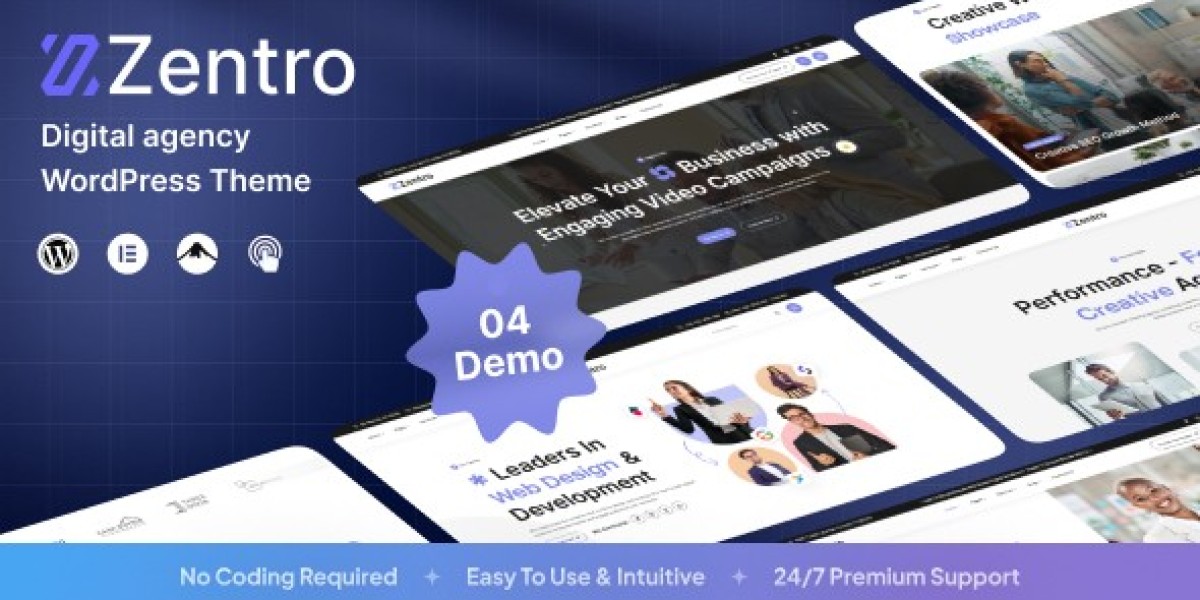


7 Days Rebuilding a Client Agency Website: My Real Experience with Zentro WordPress
I have worked with WordPress for more than 10 years, and I have built websites for small businesses, agencies, and online services. During this time, I learned one thing: a good theme is not only about beautiful design. It also needs clean code, flexible settings, and enough control for real projects.
Recently, I rebuilt a digital agency website for a client. They needed a modern website with service pages, portfolio sections, and a simple way to update content. I decided to use Zentro - Digital Agency WordPress as the foundation for this project.
Day 1: Installing the Theme and Building the Base
I started with a clean WordPress installation on an Ubuntu VPS server. The server used PHP 8.2, MySQL 8, and Nginx with basic caching rules.
After installing the theme, I checked the main structure first. The layout already had many sections that an agency website usually needs, such as services, projects, team introduction, and contact blocks.
Instead of keeping every demo feature, I removed unnecessary plugins and scripts. Many WordPress websites become slow because they load files that are never used.
I created a small function to control script loading:
add_action('wp_enqueue_scripts', function() { if (!is_page('services')) { wp_dequeue_script('services-animation'); }}, 100);This helped reduce extra browser requests on pages that did not need those animations.
Day 3: Speed Testing and Fixing Image Problems
On the third day, I moved from design work to performance testing.
I used Lighthouse and GTmetrix to check the website. The overall result was good, but I noticed the portfolio images were larger than necessary. This is a common problem for agency websites because they often show many project screenshots.
I added a custom image size:
add_action('after_setup_theme', function() { add_image_size('portfolio-small', 500, 350, true);});Then I regenerated old images with WP-CLI:
wp media regenerateAfter this change, the portfolio pages loaded faster.
I also found a small weakness. Some advanced theme options were not explained clearly in the documentation. For developers, this was easy to solve by checking the theme files, but beginners might need more time.
Day 5: Database Cleanup and Content Migration
By day five, the website had real content instead of demo data.
I imported the client’s projects, service descriptions, and blog posts. After that, I checked the database because WordPress websites can collect a lot of unnecessary information.
I removed old revisions and optimized some database queries.
For websites with many custom fields, I sometimes add indexes:
ALTER TABLE wp_postmeta ADD INDEX meta_key_index (meta_key);This simple change can help WordPress find metadata faster when a website grows.
I also checked mobile performance because most agency visitors now browse from phones.
Day 7: Final Review and Real Project Results
After seven days, the new agency website was ready.
The biggest advantage of Zentro was the clean structure. I spent less time creating basic sections and more time improving speed, SEO settings, and user experience.
The main disadvantage was that some deeper custom changes still required editing WordPress files. Users who only work with page builders may need extra help for advanced modifications.
My final optimization included image resizing, script control, database cleanup, and server caching.
You can find the theme details here: Zentro - Digital Agency WordPress
After testing it for a real client project, I think this type of WordPress theme works best for developers who want a strong starting point but still want control over the final website.
A theme can save time, but the final quality always depends on how you optimize, customize, and build around it.









