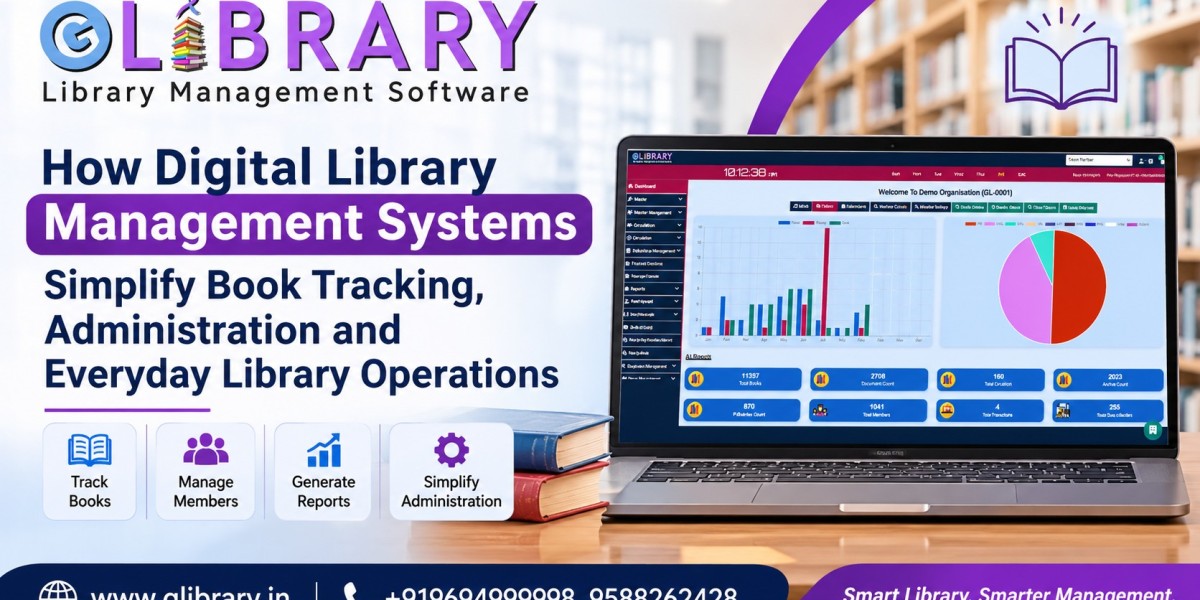


Libraries manage much more than books. From maintaining catalogues and tracking issued materials to handling memberships, acquisitions, and reader services, everyday operations involve several interconnected activities. Managing these responsibilities through registers and spreadsheets can become difficult as collections and memberships grow.
A Digital Library Management Software solution brings important library activities into one organized system. It helps librarians maintain accurate records, monitor resources, simplify administrative work, and improve access to library information.
Whether it is a school, college, university, government institution, or private library, digital technology can make daily operations more systematic and manageable.
Let's explore how these systems support modern library workflows.
1. Beyond Manual Records
Traditional library management often depends on registers, spreadsheets, and separate files. As the number of books and members increases, maintaining accurate information becomes challenging.
Some common difficulties include:
Scattered Records: Finding and updating book information across multiple registers takes time.
Manual Errors: Repeated data entry can lead to missing or incorrect information.
Difficult Reporting: Collecting details about collections and library activities requires additional effort.
Limited Accessibility: Staff may need to check physical records to find basic information.
A centralized Library Management System Software helps bring essential records together and reduces dependence on manual documentation.
2. A Catalogue That Works
A well-organized catalogue helps librarians identify resources and makes book information easier to access.
Digital cataloguing simplifies record management through:
Complete Book Details: Maintain titles, authors, publishers, editions, subjects, and accession numbers.
Bulk Data Entry: Upload multiple book and member records using supported Excel files.
Easy Updates: Modify existing information whenever required.
Organized Collections: Keep records structured for easier searching and identification.
A digital catalogue creates a reliable foundation for managing library resources as collections expand.
3. Every Book, Accounted For
Knowing where a book is, whether it is available, and who has borrowed it is essential for efficient library operations. Instead of maintaining separate registers for different transactions, a digital system can organize a book's movement from acquisition to return.
Important activities include:
Acquisition Records: Add newly purchased books and maintain purchase and accession details.
Book Availability: Identify resources that are available or currently issued.
Issue and Return: Record borrowing transactions and update book availability after returns.
Renewals and Overdue Records: Maintain reissue details and identify books that have not been returned on time.
Fine Management: Record applicable overdue charges according to library rules.
Location Tracking: Maintain book location details to help staff identify resources more easily.
By keeping these records connected, a Library Management Solution helps librarians monitor their collections and manage circulation without repeatedly updating separate documents.
4. Administration, Simplified
Apart from managing books, librarians also handle memberships, staff access, and other administrative responsibilities. Organizing these activities digitally improves coordination and makes information easier to manage.
Key administrative facilities include:
Member Management: Maintain membership details and keep individual records organized.
User Permissions: Assign access rights to authorized staff according to their responsibilities.
Acquisition Administration: Organize purchase-related information and resource entries.
Administrative Reports: Review available information about books, members, and library activities.
A suitable Library Administration Software environment helps reduce scattered documentation and keeps essential administrative information accessible.
5. The Barcode Advantage
Identifying books manually can take time, especially in libraries with large collections. Barcode technology makes resource identification more convenient.
A Barcode Based Library Management Software solution can support:
Unique Identification: Generate barcode labels linked to book identification or accession numbers.
Faster Transactions: Scan barcodes during issue and return activities instead of entering book details manually.
Accurate Records: Connect scanned books with their corresponding catalogue entries.
Easy Label Management: Generate identification labels to organize physical collections.
Barcode-based identification helps improve transaction speed and reduces manual data-entry requirements.
6. Search Before You Browse
Readers often visit libraries looking for a particular book, author, or subject. An Online Public Access Catalogue (OPAC) makes this process more convenient.
With OPAC, members can:
Search Collections: Find books using available catalogue information.
View Book Details: Check information about listed resources.
Find Resources Independently: Reduce the need for repeated enquiries at the library desk.
Access Catalogue Information: Search through supported online interfaces.
An Online Library Management Software system with OPAC helps readers discover library resources more conveniently.
7. Library Access on the Move
Mobile accessibility and language options make digital library services more convenient for users. They help staff and members access supported information through compatible devices.
Important facilities include:
Mobile Access: Access supported library services and information through mobile devices.
Multi-Language Support: Make the software easier to use through available language options.
Convenient Accessibility: Access relevant library information without depending entirely on a desktop computer.
A Library Management Mobile Application can make supported library activities more accessible and convenient for users.
8. RFID for Smarter Monitoring
Radio Frequency Identification (RFID) uses electronic tags and compatible readers to identify tagged resources. It offers an alternative to conventional barcode identification.
RFID integration can support:
Electronic Identification: Identify tagged books using compatible RFID readers.
Resource Monitoring: Help staff monitor tagged materials.
Security Support: Support anti-theft arrangements through compatible equipment and configurations.
System Integration: Connect RFID facilities with library software.
The choice between barcode and RFID depends on the library's collection, infrastructure, operational needs, and budget.
9. One System, Different Libraries
Every institution has different library requirements. A flexible Library Management Software system can support different types of collections and workflows.
School Libraries: Organize textbooks, student memberships, and borrowing records.
College Libraries: Manage academic books, reference materials, and student and faculty transactions.
University Libraries: Maintain extensive collections and organized circulation records.
Government and Public Libraries: Manage reading resources, memberships, and borrowing histories.
The required features depend on the institution's collection size, membership structure, and daily activities.
10. What Glibrary Brings Together
Glibrary - Library Management Software provides facilities to help institutions manage their library activities digitally.
Some key features include:
Circulation Management: Manage book issue, reissue, and return activities.
Acquisition Management: Record purchases and simplify data entry through bulk uploads.
Barcode Generation: Generate identification labels for library resources.
OPAC: Help members search the library catalogue.
Fine Collection: Maintain applicable overdue fine records.
Mobile Application: Access supported library operations through mobile devices.
Multi-User Login: Provide different access rights to authorized users.
RFID Integration: Support identification and tracking through compatible equipment.
These facilities help schools, colleges, universities, government institutions, and private libraries organize their daily activities through one digital platform.
Institutions can explore Glibrary's features and request a demonstration to understand how the software fits their requirements.
11. Choosing the Right Fit
Before selecting software, library administrators should evaluate whether it supports their actual operational needs.
Consider these factors:
Book Management: Does it support organized cataloguing and bulk data entry?
Circulation: Can staff manage issue, reissue, return, and overdue records?
Identification: Are barcode generation and RFID integration available when required?
Member Records: Can membership details be maintained conveniently?
Accessibility: Does it offer OPAC and supported mobile access?
Administration: Are user permissions, reports, and technical support available?
Comparing these facilities helps institutions select suitable software according to their requirements.
A growing library needs an organized way to manage its collection, members, and daily activities. Choosing suitable digital software can reduce manual work and make library operations easier to coordinate. Explore Glibrary - Library Management Software to discover how its available features can support your institution's library management requirements.
Frequently Asked Questions (FAQs)
1. What is Digital Library Management Software?
Digital Library Management Software is a system that helps libraries manage book records, memberships, circulation, cataloguing, and administrative activities digitally instead of relying entirely on manual records.
2. How Does Library Management Software Help in Book Tracking?
It helps librarians maintain book availability, acquisition details, issue and return records, and book location information. This makes it easier to monitor library resources.
3. What Are the Benefits of Barcode-Based Library Management Software?
Barcode-based software helps identify books quickly, simplifies issue and return transactions, reduces manual data entry, and maintains organized book records.
4. Can Online Library Management Software Support Multiple Types of Libraries?
Yes. Depending on its features, it can support school, college, university, government, and private libraries with different collection and membership requirements.
5. What Is the Difference Between Barcode and RFID in Library Management?
Barcode technology identifies books through printed labels and barcode scanners, whereas RFID uses electronic tags and compatible readers. Both help identify library resources, but their infrastructure and working methods differ.
6. What Features Should You Look for in Library Management Software?
Look for essential features such as book cataloguing, circulation management, member records, barcode generation, OPAC, fine management, reporting, mobile access, and RFID integration if required.