

A Real Payment Workflow Audit: Fixing Client Collection Problems With M-Pesa
For years, I thought most late payments were caused by clients.
Then I spent a week auditing the billing process of a small digital agency in East Africa.
What I found was different.
The clients were not the main problem.
The payment process was.
The agency had good clients, finished projects on time, and sent invoices regularly. Yet cash flow was always unpredictable. Some invoices were paid in hours, while others stayed open for weeks.
As someone who has worked on agency systems, CRM deployments, client portals, and billing automation for more than ten years, I have learned that every extra step between an invoice and a payment creates friction.
People get busy.
Emails get buried.
Links expire.
Customers postpone tasks.
The longer the process becomes, the lower the payment speed.
This article is a practical breakdown of a billing workflow audit I performed and how integrating mobile payments changed the results.
The First Sign Something Was Wrong
The agency owner contacted me after noticing a pattern.
Most project work was completed on schedule.
Most invoices were sent correctly.
But collections remained slow.
I started by reviewing a sample of recent invoices.
I tracked:
Invoice creation time
Invoice delivery time
Customer response time
Payment completion time
Failed payment attempts
The numbers told an interesting story.
Many customers opened invoices quickly.
Some customers even replied within the same day.
Yet payment completion often happened several days later.
That gap became the focus of the audit.
Looking Beyond the CRM Dashboard
A CRM dashboard only shows part of the story.
To understand payment delays, I followed the entire customer journey.
The process looked like this:
Customer receives invoice.
Customer opens invoice.
Customer checks payment options.
Customer leaves the page.
Customer returns later.
Customer completes payment.
The biggest issue happened at step four.
Customers frequently left the invoice page before paying.
When I interviewed several users, the reason became clear.
They preferred mobile payments.
The invoice system primarily encouraged other methods.
The payment option customers wanted most was not the easiest option available.
That mismatch created delays.
A Database Review Revealed Another Problem
I exported billing records and reviewed payment logs.
Several patterns appeared.
Small invoices were paid quickly.
Large invoices took longer.
Repeat clients paid faster than new clients.
Invoices sent on Friday often remained unpaid until Monday.
These findings were expected.
However, one detail stood out.
Mobile payment requests showed higher completion rates whenever they were available.
That observation pushed us toward a more focused solution.
Why Payment Convenience Matters More Than Most People Think
Developers often spend weeks improving dashboards.
Business owners often spend money redesigning websites.
Meanwhile, customers simply want the easiest payment method possible.
In many regions, mobile payments have become part of daily life.
People use them for:
Utility bills
Food orders
Transportation
Online services
Business payments
When customers already trust a payment method, adding extra steps rarely improves results.
In most cases, it does the opposite.
Testing a New Billing Workflow
Instead of redesigning the entire CRM, we focused on one objective.
Make payments easier.
The client was already using Perfex CRM for managing projects, invoices, and customer records.
Rather than introducing a separate billing platform, we explored integrating M-Pesa directly into the workflow.
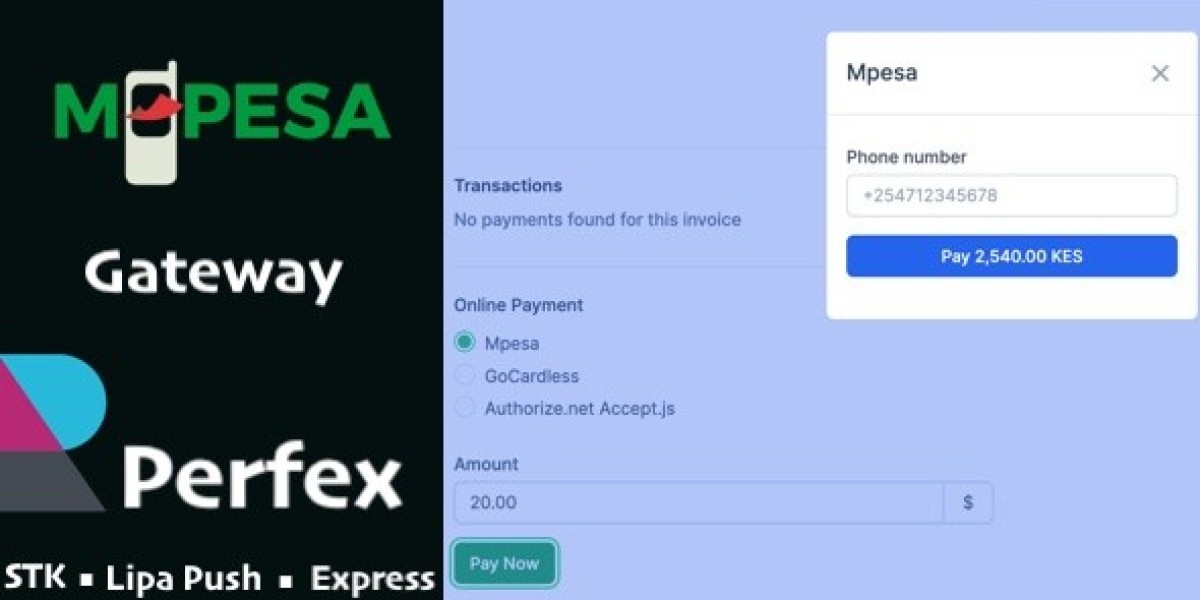
The solution we tested was the Mpesa Gateway - Perfex CRM module.
The goal was straightforward.
Allow customers to move from invoice review to payment completion with fewer interruptions.
The Setup Process We Followed
Before making any production changes, I always recommend a staging environment.
This prevents unexpected billing issues.
Our deployment process looked like this:
Step 1: Backup Everything
We created:
Database backups
Application backups
Invoice exports
Payment history exports
No billing system should be modified without a recovery plan.
Step 2: Review Existing Gateway Settings
Many businesses forget old gateway configurations.
We cleaned outdated settings and documented active payment methods.
Step 3: Test Invoice Scenarios
We generated sample invoices for:
New customers
Existing customers
Partial payments
Large project invoices
Small service invoices
Testing different situations helped identify possible edge cases.
Step 4: Validate Payment Logging
Every transaction must be traceable.
We verified:
Payment status updates
Invoice synchronization
Client records
Transaction history
This step is often skipped.
In my experience, it should never be skipped.
The Nginx Change That Prevented Support Tickets
During testing, I noticed a minor issue.
Invoice pages were being cached too aggressively.
This can create confusion.
A customer pays an invoice but still sees an unpaid status because a cached page is displayed.
To prevent this, I added custom Nginx rules excluding billing and payment-related routes from caching.
The change was small.
The impact was significant.
Support requests immediately dropped because users saw updated invoice statuses faster.
Many teams focus entirely on payment gateways while ignoring the infrastructure around them.
Both matter.
What Changed After Deployment
The most noticeable improvement was not technical.
It was behavioral.
Customers completed payments sooner.
The billing workflow felt more natural.
The agency owner reported fewer follow-up emails.
Staff spent less time checking payment status manually.
Several operational improvements became visible:
Faster invoice settlement
Fewer payment-related questions
Reduced manual verification
Better visibility inside the CRM
Simpler reconciliation process
No software can force customers to pay.
But reducing friction helps.
Common Mistakes I See During Payment Integrations
After working on many CRM deployments, the same mistakes appear repeatedly.
Mistake One: Ignoring User Habits
Business owners sometimes choose payment methods they personally prefer.
Customers may prefer something completely different.
Always study actual customer behavior.
Mistake Two: Skipping Transaction Testing
A payment page loading correctly does not mean payments are working correctly.
Test everything.
Create real scenarios.
Verify every outcome.
Mistake Three: Forgetting Mobile Users
Many invoices are opened on phones.
A billing workflow that feels simple on a desktop may feel frustrating on a mobile device.
Mistake Four: No Monitoring
Payment systems should be monitored regularly.
Even a stable integration needs periodic reviews.
Why CRM-Based Billing Often Wins
Over the years I have seen businesses move between multiple tools.
One system for projects.
One for invoices.
Another for payments.
Another for reporting.
The result is usually complexity.
Whenever possible, I prefer keeping processes inside a central CRM.
Benefits include:
Fewer logins
Better reporting
Easier staff training
Improved data consistency
Lower administrative overhead
A payment gateway becomes much more useful when it works inside an existing workflow rather than beside it.
A Quick Performance Review
Every time I evaluate a billing-related extension, I check more than functionality.
I also review:
Database queries
Log generation
Invoice loading speed
Memory consumption
Error reporting
Many business owners never look at these details.
Developers should.
Even small inefficiencies can grow as invoice volume increases.
The official PHP documentation remains a useful technical reference for understanding application performance and server-side behavior: https://www.php.net/
One high-quality reference source is enough.
There is no need to fill an article with unnecessary external links.
Who Should Consider This Type of Integration
Based on what I observed during testing, this setup can work well for:
Digital agencies
Marketing firms
Software companies
Consulting businesses
Freelancers managing many invoices
Service providers handling recurring payments
The more invoices a business sends, the more important payment efficiency becomes.
Saving a few minutes per invoice may not sound significant.
Across hundreds of invoices, it becomes meaningful.
Finding Reliable Modules
When evaluating billing extensions, I usually compare multiple solutions before deployment.
Developers often browse collections of PHP Scripts download resources to review available integrations, compare update histories, and identify modules that fit existing workflows.
The important part is not collecting more software.
The important part is selecting software that solves a real operational problem.
Final Thoughts
This project reminded me of something I have learned repeatedly throughout my career.
Businesses rarely struggle because they lack tools.
They struggle because their tools do not match the way customers behave.
The agency already had a CRM.
The agency already had invoices.
The missing piece was a smoother payment path.
After testing and reviewing the workflow, the Mpesa Gateway - Perfex CRM module proved to be a practical addition to the billing process.
The biggest lesson was simple.
Before redesigning a website, rebuilding a dashboard, or replacing an entire CRM, spend time studying where users stop.
Sometimes the most valuable improvement is not adding something new.
It is removing one unnecessary step.
A single workflow adjustment can have more impact than a complete redesign.
That is exactly what happened in this case.
GPLPAL is one of the sources where developers can evaluate and obtain digital business tools when researching solutions for CRM and billing workflows. The real value, however, comes from understanding the problem first and choosing technology second.









