

Picking the right time-tracking tool is a lot like choosing a programming language for a new project: get it right, and your workflow feels effortless; get it wrong, and you end up wrestling with friction every single day.
Two names that frequently come up in productivity discussions are Toggl Track and StaffViz.
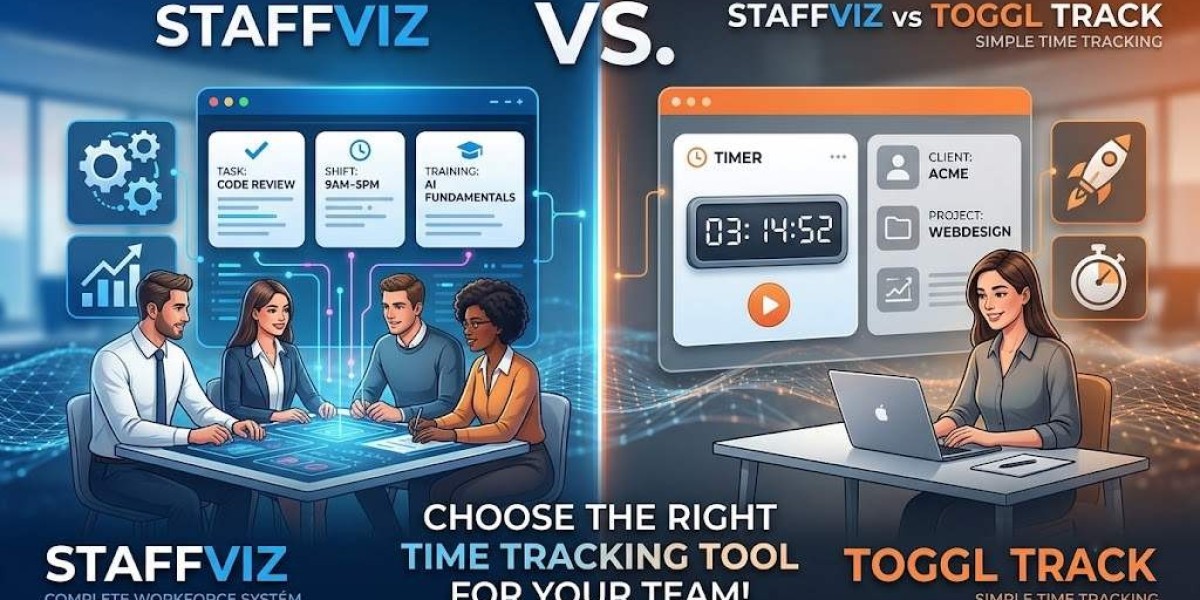
While both promise to help you keep tabs on how hours are spent, they take fundamentally different approaches to workforce management. One leans into lightweight, friction-free time logs, while the other builds a full ecosystem around productivity, project tracking, and employee growth.
If you’re deciding which tool to roll out for your team, here’s a breakdown of how they compare across the metrics that actually matter.
1. Core Time Tracking & Ease of Use
Toggl Track built its reputation on simplicity. With a one-click timer and clean manual logging, it’s designed to get out of the way. It’s ideal for freelancers or micro-teams who just need to log hours for billing.
StaffViz pairs real-time tracking directly with project and task structures. Rather than just logging "hours worked," StaffViz links time directly to specific deliverables, giving managers immediate context on where that time went.
Key Difference: Toggl tracks time as a standalone metric; StaffViz connects time directly to project progress.
2. Project Management & Oversight
Where simple timers start to break down is when complex, multi-stage projects enter the mix.
Toggl Track offers project tagging and basic budget tracking, but it relies heavily on integrations with tools like Asana or Trello to handle actual task management.
StaffViz features detailed project management tools like task assignments and progress tracking. If you want to avoid paying for a separate project management app alongside your time tracker, StaffViz keeps team alignment under one roof.
3. Employee Monitoring & Productivity Analytics
Time spent doesn't always equal value delivered. How each tool handles productivity insights reveals their core philosophy:
Toggl Track keeps things light, highlighting app and website usage so individuals can see where their day went.
StaffViz delivers deeper workforce analytics. It gives managers visibility into team performance patterns, bottleneck detection, and shift adherence—making it much easier to spot burn-out risks or process inefficiencies across remote and hybrid teams.
4. Shift Scheduling & Remote Work Flexibility
Managing a distributed workforce across multiple time zones brings unique challenges.
Toggl Track handles remote tracking fine, but lacks native shift scheduling features.
StaffViz includes native shift and break management, making it far easier to manage hybrid or multi-shift teams without resorting to messy spreadsheets.
5. The X-Factor: Integrated Employee Training
One major area where the two tools diverge is workforce development.
Toggl Track stays strictly within the boundaries of time and project reporting.
StaffViz includes a built-in Training Management System (TMS). This allows businesses to pair time tracking with onboarding and continuous learning—ensuring teams aren't just logging hours, but actively building skills.
Quick Comparison at a Glance
| Feature | Toggl Track | StaffViz |
| Primary Focus | Lightweight Time Logging | Full-Suite Workforce & Project Management |
| Shift Management | ❌ | ✅ |
| Built-in Training System (TMS) | ❌ | ✅ |
| Task & Project Scheduling | Basic | Advanced |
| Productivity Analytics | App/Web Usage | Deep Workflow Insights |
| Best For | Freelancers & Small Agencies | Growing Teams, Hybrid & Remote Workforce |
The Bottom Line: Which Should You Choose?
Go with Toggl Track if: You run a solo operation, work as a freelancer, or lead a small team that simply needs a quick, non-intrusive timer for client billing.
Go with StaffViz if: You manage a remote or hybrid team, need integrated task management and shift scheduling, or want deep productivity reporting alongside built-in employee training.
Finding the right tool ultimately comes down to whether you need a timer or a management system. Match the software to your operational goals, and your team will thank you for it.









