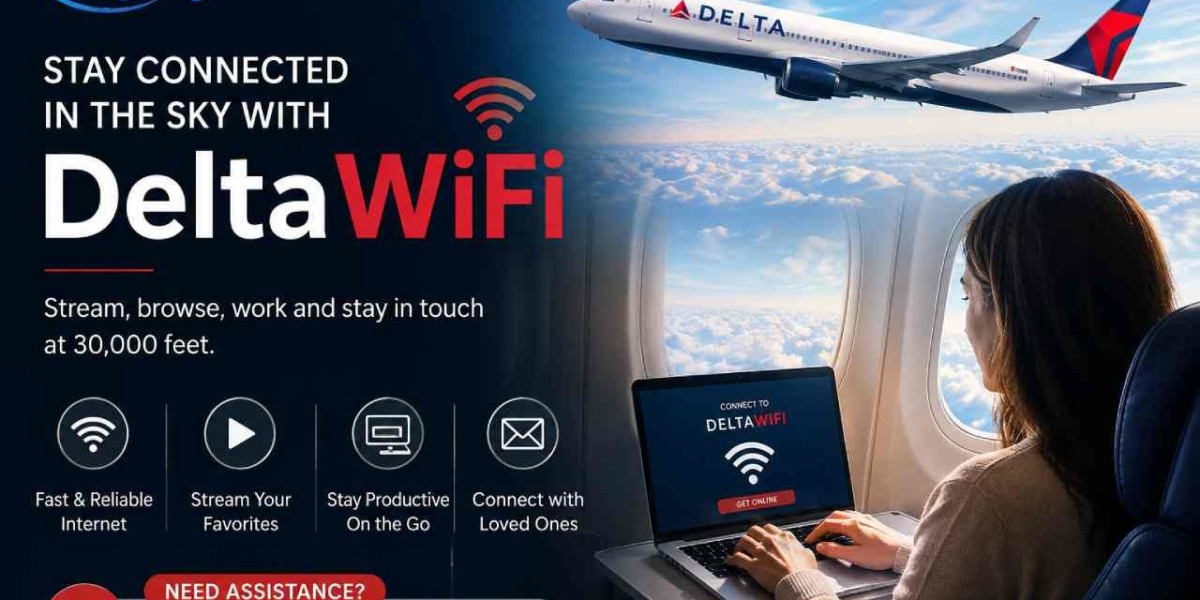


Staying connected while flying has become more important than ever. Whether you're checking emails, browsing social media, or streaming entertainment, DeltaWiFi makes it easy to stay online throughout your journey. Delta Air Lines has expanded its in-flight internet service across much of its fleet, providing passengers with faster and more reliable connectivity than ever before.
In this guide, we'll explain how DeltaWiFi works, its pricing, availability, and practical connection tips to help you enjoy a seamless online experience in 2026.
What Is DeltaWiFi?
DeltaWiFi is Delta Air Lines' onboard internet service that allows passengers to access the internet while flying. Powered by advanced satellite technology on many aircraft, the service offers improved speeds and broader coverage for domestic and select international routes.
Depending on your flight and aircraft type, you can browse websites, send emails, use messaging apps, stream content, and even work remotely from the sky.
DeltaWiFi Pricing
The cost of DeltaWiFi depends on your route, aircraft, and travel class. In recent years, Delta has introduced complimentary Wi-Fi on many domestic flights for eligible passengers who sign in with a SkyMiles account.
For flights where free Wi-Fi isn't available, travelers may find options such as:
Complimentary Wi-Fi on select routes for SkyMiles members.
Hourly internet passes on eligible flights.
Full-flight Wi-Fi passes for longer journeys.
International Wi-Fi plans on supported aircraft.
Prices and availability may vary based on destination and service provider, so it's always best to review the available options once you're onboard.
Where Is DeltaWiFi Available?
DeltaWiFi continues to expand across Delta's fleet. It is available on many:
Domestic U.S. flights
Cross-country routes
Select international flights
Most newer aircraft equipped with satellite internet
Older aircraft may still use different internet systems with varying speeds and coverage. Before traveling, you can check your flight details through the Delta website or mobile app to see whether Wi-Fi is available.
How to Connect to DeltaWiFi
Connecting to DeltaWiFi is simple and only takes a few minutes.
Follow these steps:
Enable Airplane Mode on your device.
Turn on Wi-Fi.
Connect to the DeltaWiFi network.
Open your web browser.
The Delta Wi-Fi portal will automatically appear.
Sign in using your SkyMiles account if required.
Select your preferred Wi-Fi option.
Start browsing the internet.
No additional app is required for most flights.
Tips for the Best DeltaWiFi Experience
To get the most from DeltaWiFi, consider these helpful tips:
Join SkyMiles before your flight to access complimentary Wi-Fi on eligible routes.
Connect shortly after takeoff once the service becomes available.
Close unused apps running in the background.
Download large files, movies, or music before boarding.
Keep your device fully charged or bring a portable charger.
Avoid heavy downloads during peak usage for better performance.
These simple steps can improve your browsing speed and overall experience.
What Can You Do with DeltaWiFi?
Once connected, passengers can enjoy a variety of online activities, including:
Browse the web
Check emails
Send messages
Access social media
Attend virtual meetings
Stream supported entertainment
Shop online
Stay updated with news and weather
Actual performance may vary depending on the number of connected users and your flight location.
Final Thoughts
DeltaWiFi has transformed the way passengers stay connected in the air. With expanding availability, improved satellite technology, and complimentary access on many eligible flights, it's easier than ever to work, communicate, or relax while traveling.









