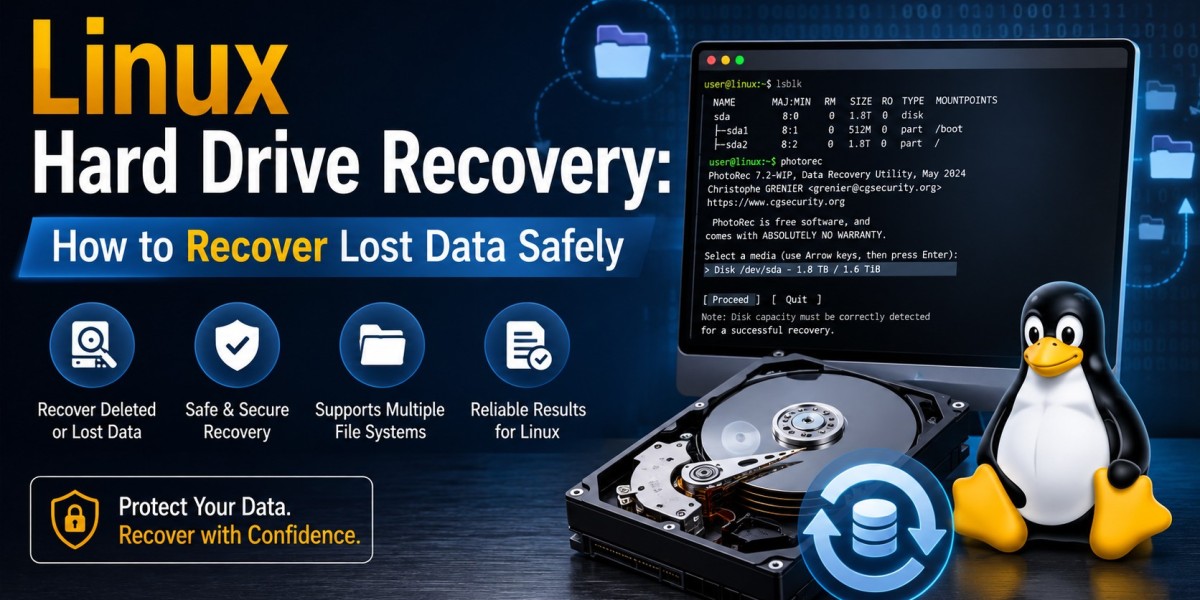


There are many reasons for losing important files from a Linux system: they may be accidentally deleted, accidentally formatted, damaged by the hard drive, corrupted by the file system, or damaged by a partition. The good news is that Linux hard drive recovery is possible in numerous cases when you don't start overwriting new data onto the impacted drive and act quickly.
You may have accidentally deleted files, or your Linux partition may be inaccessible, but picking the right recovery method can boost your odds at getting your files back.
What Causes Data Loss on Linux?
While Linux systems are usually reliable, data may be lost due to hardware or software failures. It can be caused by accidental removal of a file, partition failure, damaged file system, virus infection, improper shutdowns, bad sectors, and formatting mistakes.
The type of storage device is also important. The data that's been removed from conventional hard drives can be recovered up until the moment that new information is written to the identical sectors. However, features like TRIM can render deleted data more elusive in an SSD and make the challenge greater.
How Does Linux Data Recovery Work?
In general, Linux data recovery means that the affected drive or partition is scanned for data that is still there even after deletion or damage to the data file or filesystem. Recovery utilities can look through the filesystem metadata, partition information, journals, or file signatures to find recoverable content.
Utilities like TestDisk can be used for lost partitions and boot-sector issues, and PhotoRec is for recovering files using signature-based scanning. The other utilities, such as R-Linux, Extundelete, and ddRescue, are for specific recovery scenarios—e.g., lost files, damaged filesystems, or failing drives.
Steps to Improve Your Recovery Chances
If you notice files are lost, stop using the affected storage device as soon as possible. If you are still downloading files, installing applications, or saving documents, this can destroy recoverable data.
Then determine the type of problem. If your entire partition has vanished, a partition recovery utility could be suitable. In the case of accidentally deleted files, you can try file recovery software. When the drive is physically failing in some way, a backup image of the storage device should be created prior to attempting a large recovery so as to preserve intact data.
Put the recovered files on another drive. When restoring files to the same source location, the same information can be lost.
Recover Lost Data With the Right Tool
The rate of response and the recovery techniques you use are crucial to successful recovery. Don't overlook unnecessary modification of the affected drive, and use a recovery solution appropriate to your circumstances.
When you're looking for a simple solution to recover photos, videos, documents, and other files across supported devices, you can try different tools available in the market for Linux data recovery; however, if you are facing trouble on Windows and macOS, you can try Notchox. With its data recovery tools, it aims to make the data recovery process easier and help users find and recover valuable files without needing to have any advanced technical expertise.









