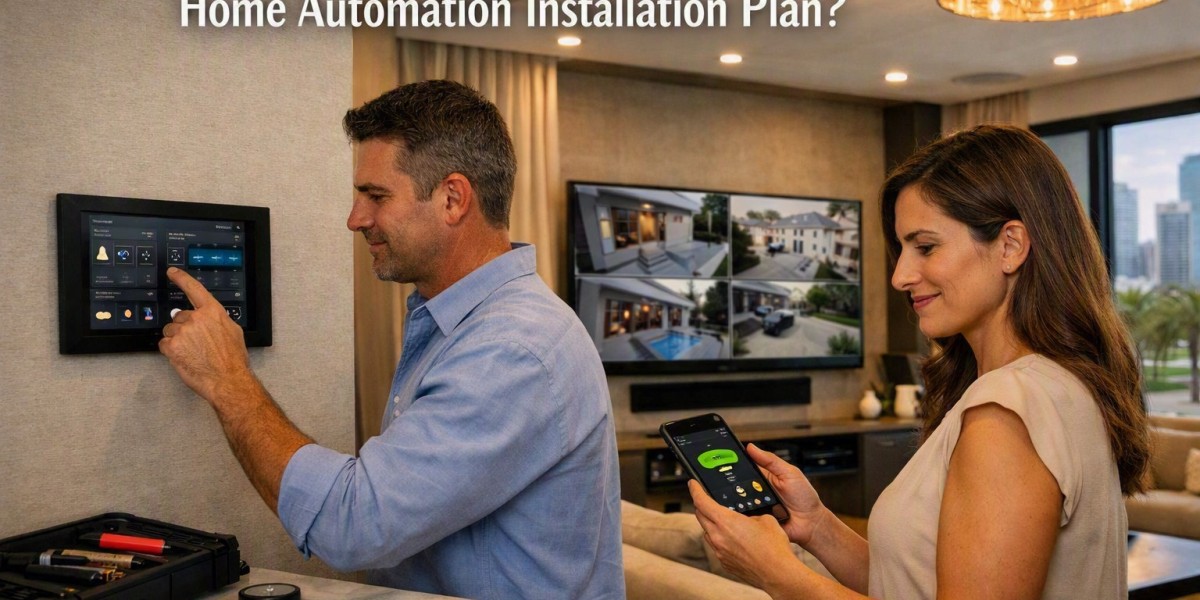


When comparing Home Automation Companies, it is useful to understand what a complete home automation installation actually includes. Home automation is more than adding smart lights or controlling a device from a phone. A complete setup can connect lighting, climate control, security, entertainment, curtains, and other home systems so they can work together. Knowing what is included helps homeowners understand the process and choose the right features for their needs.
Home Automation Planning
The first step is proper planning. A home automation system should match the layout of the property and the daily habits of the people living there.
During the planning stage, different areas of the home are reviewed. This can include bedrooms, living rooms, kitchens, outdoor areas, entrances, and other important spaces. The type of devices, wiring requirements, network needs, and control methods are also considered.
Good planning helps avoid unnecessary equipment and makes the system easier to use.
Smart Lighting Control
Lighting is one of the most common parts of home automation. Smart lighting allows homeowners to control lights from switches, mobile devices, touch panels, or voice commands.
A complete lighting setup may include:
- Smart switches and dimmers
- Scene-based lighting
- Motion-based lighting
- Scheduled lighting
- Remote lighting control
- Outdoor lighting control
For example, one setting can turn off selected lights when everyone leaves the house. Another setting can create softer lighting for an evening activity.
Climate and Temperature Control
Home automation can also control heating, cooling, and room temperature. Smart thermostats and climate control systems can help manage different areas of a property.
Users may be able to adjust temperature settings through a mobile application, wall panel, or automated schedule. Some systems can also use sensors to respond to changes in room conditions.
This type of control can make daily temperature management easier without requiring constant manual adjustment.
Smart Security and Monitoring
Security is another important part of a complete automation system. Depending on the property, automation can connect different security devices through one control system.
These devices may include:
- Security cameras
- Smart door locks
- Video doorbells
- Motion sensors
- Door and window sensors
- Alarm systems
For example, a door sensor can send an alert when a door is opened. A smart lock can also be controlled using an approved mobile device or access method.
Automated Curtains and Blinds
Motorized curtains and blinds can be connected to the home automation system. Users can open or close them using a switch, remote, application, or scheduled setting.
They can also be linked with lighting and other home functions. For example, blinds can be programmed to close at a certain time of day or open during the morning.
This feature can provide simple control without requiring manual adjustment of every curtain or blind.
Audio and Video Integration
Entertainment systems can also become part of home automation. A connected setup may include televisions, speakers, projectors, streaming devices, and home theatre equipment.
Instead of using several separate controls, users can manage selected devices through a common interface. A single activity setting could turn on a television, adjust lighting, and set the preferred audio level.
The exact features depend on the equipment already installed in the home.
Central Control System
A central control system connects different smart devices and allows them to communicate. This may be controlled through a mobile application, touchscreen panel, remote control, voice assistant, or a combination of these methods.
Central control is useful because homeowners do not need to operate every device separately. It can also make it easier to create scenes and automated routines.
For example, a "leaving home" setting could turn off selected lights, adjust the thermostat, lock connected doors, and activate certain security functions.
Sensors and Smart Triggers
Sensors help an automated system respond to activity inside and around the property. Common examples include motion sensors, temperature sensors, light sensors, and door sensors.
These sensors can trigger specific actions based on programmed conditions. A motion sensor, for example, may turn on a hallway light when someone enters the area.
Using sensors can reduce the need for manual control and make automation more responsive to everyday activities.
Network and Communication Setup
A reliable network is an important part of home automation. Smart devices need a stable way to communicate with the control system and, where required, the internet.
The installation may involve Wi-Fi devices, wired connections, network equipment, hubs, controllers, or other communication components. The right setup depends on the size of the property and the number of connected devices.
A well-planned network can help connected devices communicate more reliably.
Testing and User Setup
After the devices are installed, the system needs to be tested. Each connected device should be checked to make sure it responds correctly.
The installer may also configure scenes, schedules, user controls, and mobile applications. Homeowners should receive basic instructions on how to operate the system and make simple changes.
Testing is important because it helps identify connection or control problems before the system is used regularly.
What Homeowners Should Check
Before starting an automation project, homeowners should consider which areas they want to automate first. It is not necessary to automate every part of a home at once.
Think about daily routines, security needs, lighting preferences, entertainment requirements, climate control, and future expansion. A system that can be expanded later may be useful when more smart devices are added.
Understanding these parts also makes it easier to compare Home Automation Companies based on the type of installation, devices, control options, and system support they provide.









