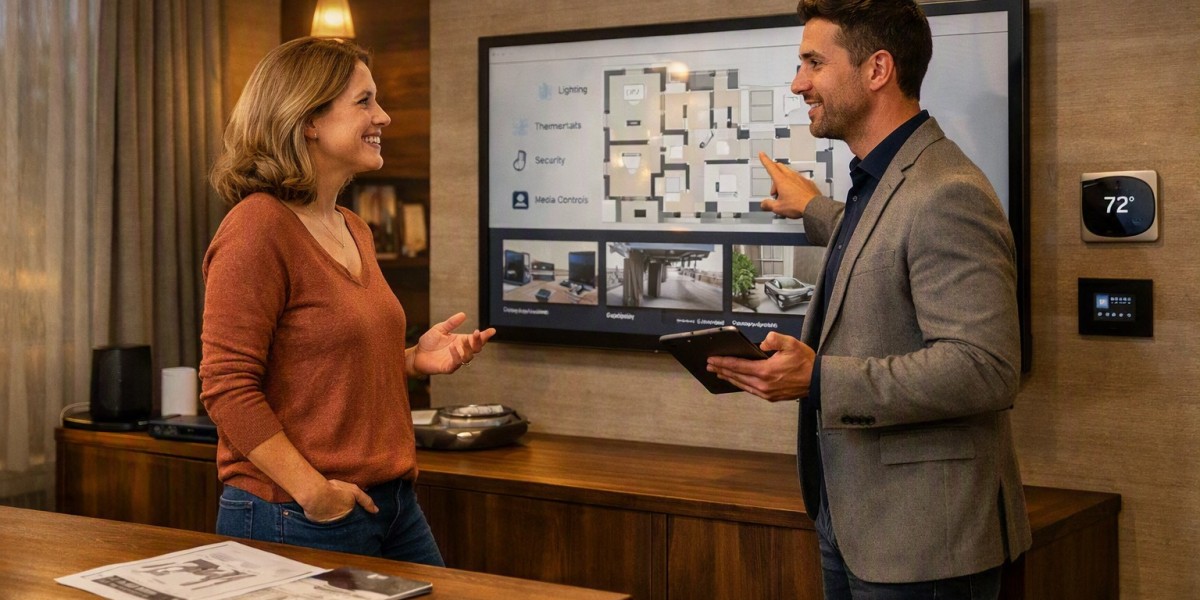


Home automation works best when it is planned around the property and the people who use it. Instead of adding smart devices one by one, it is better to first understand what the home needs. A simple plan can help decide which systems should be connected, where devices should be placed, and how they should work together.
Start With the Property
The first step is to study the property. Look at the size of the home, number of rooms, entrances, windows, outdoor areas, and existing electrical systems. A small apartment may need only basic lighting, climate, and security controls, while a large house may need several connected systems.
It is also useful to check whether the property is already built or still under construction. New properties may offer more options for hidden wiring and network points. Existing homes may need solutions that can be added without major changes to walls or ceilings.
Decide What You Want to Control
Make a simple list of daily tasks that could be easier with connected controls. Common areas include lighting, air conditioning, curtains, door locks, security cameras, entertainment systems, and energy monitoring.
Think about how each system will be used. For example, you may want lights to turn off automatically when everyone leaves the home. You may also want the air conditioning to follow a schedule or curtains to open at a set time.
The goal should be to solve real needs rather than adding devices simply because they are available.
Plan the System in Stages
A smart home does not need to be completed all at once. Planning it in stages can make the project easier to manage.
Start with the most useful systems, such as lighting, climate control, or security. Later, other features can be added when needed. This approach also gives homeowners time to understand how they use the system before making further changes.
A staged plan should still consider future needs. Wiring, network points, electrical capacity, and equipment locations should be considered early, even if some devices will be installed later.
Choose Wired or Wireless Connections
One important decision is whether devices should use wired, wireless, or mixed connections. Wireless devices can be convenient for existing properties because they may require less physical work.
Wired connections can be useful for systems that need stable communication and continuous performance. They can also be suitable when a property is being built or renovated.
A mixed approach can sometimes provide a practical balance. The right choice depends on the property structure, system requirements, budget, and future plans.
Build a Reliable Home Network
A smart home depends on a reliable network. Many connected devices communicate through Wi-Fi or other network technologies, so weak coverage can affect how well they work.
Before installing devices, check the size of the property and identify areas where the wireless signal may be weak. Larger properties may require additional network access points.
Network equipment should also be placed carefully. Keeping important equipment in a suitable location can make maintenance easier and help provide better coverage throughout the home.
Think About Compatibility
Different smart devices do not always work together. Before buying equipment, check whether the products can communicate with the chosen control platform.
Using compatible devices can make daily control much simpler. Instead of managing several separate applications, homeowners may be able to control multiple systems from one interface.
Compatibility should also be considered when planning future upgrades. A device that works well now may create limitations later if it cannot connect with newer equipment.
Plan Controls for Daily Use
A smart system should be easy for everyone in the home to understand. Consider where control panels, switches, sensors, and other interfaces should be located.
Some people may prefer physical switches, while others may use a mobile application or voice control. Having more than one control method can make the system practical for different situations.
Automation routines should also be simple. For example, one command could turn off selected lights, adjust the temperature, and close curtains when leaving the home.
Include Security and Privacy
Security should be considered from the beginning. Connected locks, cameras, sensors, and other devices can provide useful information, but they also need proper protection.
Use strong passwords and keep device software updated. Access should be limited to trusted users. Network security should also be planned so that smart devices are not treated as an afterthought.
Privacy is another important point, especially for cameras, microphones, and devices that collect information about household activity.
Consider Energy Use
Smart controls can also help homeowners understand and manage energy use. Automated lighting, temperature schedules, and energy monitoring can reduce unnecessary operation.
For example, lights can be scheduled to switch off in unused areas. Air conditioning can follow occupancy or time-based settings instead of running continuously.
The aim is not only to add automation but to create settings that match the household's normal routine.
Plan for Future Changes
Technology changes over time, so a good plan should leave room for future upgrades. Allow space for additional network equipment, control points, sensors, or other systems where practical.
It is also helpful to keep a record of installed devices, wiring routes, network equipment, and system settings. This information can make future maintenance and upgrades easier.
Good planning makes Home automation more organised, easier to use, and more adaptable as the property and household needs change.









