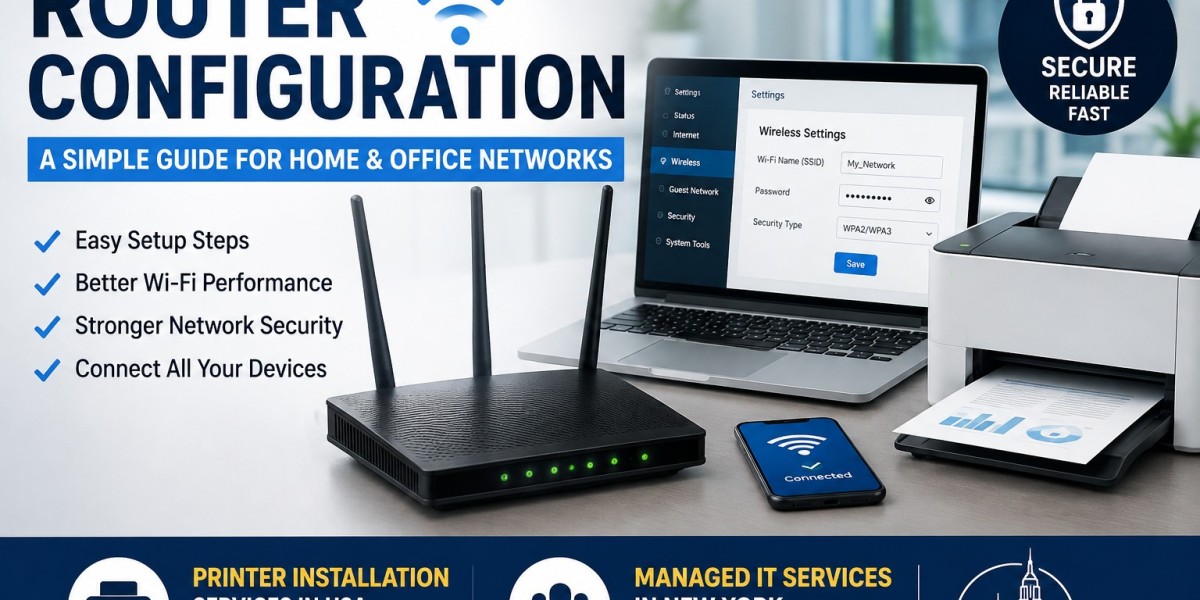


A reliable internet connection starts with a properly configured router. Whether you use the internet at home or manage a small office network, correct Router Configuration helps your devices connect smoothly and securely. A router controls how your devices communicate with the internet and with each other. When the settings are incorrect, you may face slow internet, frequent disconnections, weak Wi-Fi signals, or security problems.
This guide explains the basic router setup process in simple language. It also covers important settings that can improve network performance and security.
What Is Router Configuration?
Router configuration means setting up a router so it can provide a stable and secure internet connection. During the setup, you may need to configure the Wi-Fi name, password, internet connection type, security settings, and other network options.
Most modern routers come with an easy setup process. However, users can still face problems when they change advanced settings without understanding their purpose.
Proper configuration helps your router manage connected devices efficiently and gives you better control over your home or office network.
How Do You Start the Router Setup?
Before you start, connect your router to the modem or internet connection provided by your internet service provider. Plug in the router and wait for the indicator lights to become stable.
Next, connect your computer or smartphone to the router. You can use Wi-Fi or an Ethernet cable for the initial setup.
Open a web browser and enter the router's default gateway address. The exact address depends on the router manufacturer. You will then see the router's login page.
Enter the administrator username and password. If you are setting up the router for the first time, use the login details provided with the device.
How Do You Set the Wi-Fi Name and Password?
One of the most important steps is changing the default Wi-Fi settings. Open the wireless settings from the router's administration panel.
Choose a simple Wi-Fi name that you can easily recognize. Then create a strong password that contains a combination of letters, numbers, and special characters.
Avoid using easy passwords such as your name, phone number, or address. A strong Wi-Fi password prevents unauthorized users from accessing your network.
If your router supports modern security standards such as WPA2 or WPA3, select the strongest compatible option.
Why Is Router Security Important?
A router connects your devices to the internet, so security should always be a priority. An unsecured router can expose your network to unwanted access and other security risks.
Change the router's default administrator password after the initial setup. Keep the router's firmware updated because manufacturers often release updates that improve security and performance.
You should also disable features that you do not need. For example, avoid enabling remote administration unless you have a specific reason to use it.
Good security practices can protect computers, smartphones, printers, smart TVs, and other connected devices.
How Can You Improve Wi-Fi Performance?
Correct settings alone cannot solve every Wi-Fi problem. Router placement also affects network performance.
Place your router in a central and open location. Avoid keeping it inside a cabinet or near large metal objects. Walls and electronic devices can also interfere with wireless signals.
If your home or office has multiple floors or large rooms, you may need additional access points or Wi-Fi extenders.
You can also check which wireless channels your router uses. In areas with many nearby Wi-Fi networks, channel interference may affect performance.
A properly planned network can provide better coverage and a more stable connection.
Can a Router Connect to a Printer?
Yes. A properly configured network can allow computers, smartphones, and printers to communicate with each other. This is especially useful in offices where several employees need access to the same printer.
After connecting the printer to the network, you may need to install the correct drivers and add the printer to each computer.
For businesses that need help with printer setup, Printer Installation Services in USA can make the installation process easier. Professional assistance can help ensure that the printer connects correctly and works with the required devices.
What Should You Do If the Router Stops Working?
Router problems can happen for several reasons. The device may have incorrect settings, outdated firmware, connection problems, or hardware issues.
Start by checking all cables and restarting the modem and router. If the problem continues, check the router's administration panel for connection or configuration errors.
You can also check whether the internet works when you connect a computer directly to the modem. This can help determine whether the problem comes from the router or the internet service.
Avoid resetting the router unless necessary because a factory reset removes your existing configuration.
When Should You Get Professional IT Help?
Basic router setup is manageable for many users, but business networks often require more planning. Offices may have multiple computers, printers, security devices, guest networks, and other connected systems.
Professional IT support can help configure the network, improve security, troubleshoot connection problems, and manage devices.
Businesses looking for ongoing technical support can also consider Managed IT Services in New York. Managed IT support can help businesses maintain their technology, monitor systems, address technical issues, and improve network reliability.
Conclusion
A properly configured router provides a strong foundation for a reliable home or office network. Setting a secure Wi-Fi password, updating firmware, choosing the right router location, and checking network settings can prevent many common problems.
When you connect printers and other devices, make sure each device uses the correct network settings and drivers. For more complex business environments, professional IT assistance can save time and reduce technical problems.
Whether you need help with network setup, printer connectivity, or ongoing technical support, proper configuration can make your technology more reliable, secure, and easier to manage.









