

Keeping a Samsung device in genuinely good working order involves understanding the most common issues and knowing precisely when to seek professional help rather than attempting a risky fix yourself at home. From screens to batteries and everything in between, small problems can escalate quickly if they are simply ignored, so being proactive about maintenance can save both valuable time and money in the long run for any device owner who wants their phone to last.
Screen Care and Repair Tips
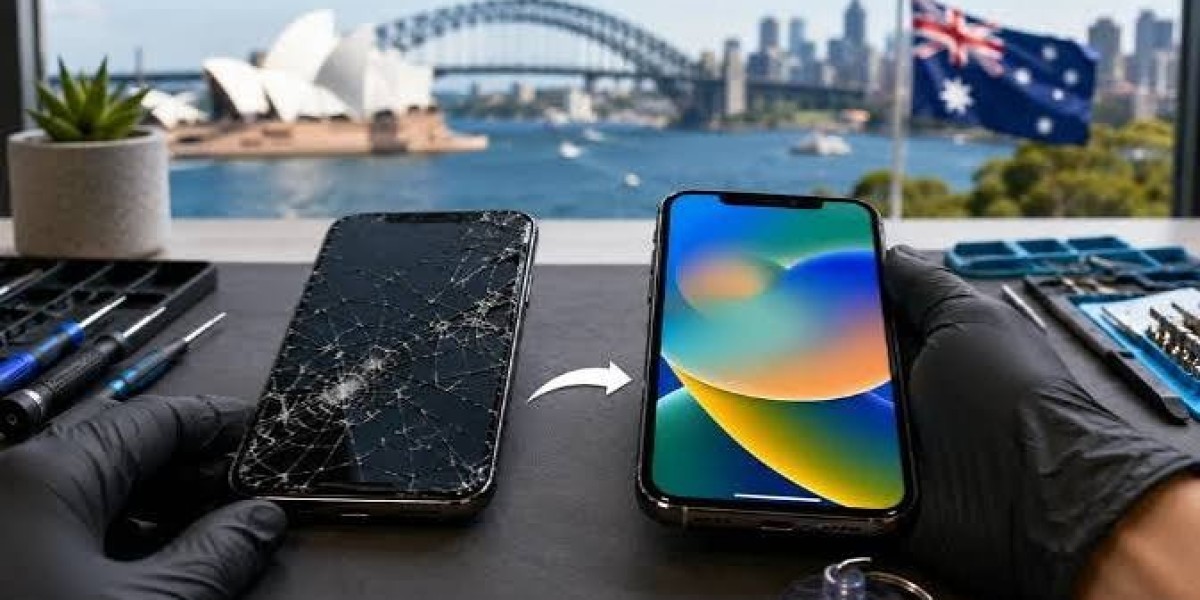
Cracked or scratched screens remain among the most common issues Samsung owners experience on a regular basis, often resulting from nothing more than an unlucky drop while getting in and out of a car or bag. Using a good-quality screen protector alongside a sturdy protective case can meaningfully reduce the overall risk of damage from everyday accidental drops and knocks. If a crack does eventually occur despite these precautions, it's genuinely best to get it repaired quickly through professional Samsung repair before dust or moisture has the chance to seep into the display and cause further, more serious internal damage.
Extending Battery Life and Health
Batteries naturally degrade over time regardless of how carefully they are used, but certain everyday habits can meaningfully slow this gradual process down and keep your phone running longer between charges. Avoiding extreme temperatures, not letting the battery drain all the way to zero repeatedly, and consistently using original chargers all genuinely contribute to noticeably better long-term battery longevity for most devices. If your phone consistently struggles to hold a decent charge, a straightforward battery replacement is often far more cost-effective than replacing the entire device outright, and the improvement is usually immediately noticeable.
Cleaning and Maintaining Charging Ports
Dust and debris can gradually build up inside charging ports over time, leading to slow, inconsistent, or unreliable charging performance that can be genuinely frustrating during a busy day. Gently cleaning the port with a soft brush can genuinely help in many cases, especially for lighter build-up caught early. But if charging issues persist despite this cleaning, it may indicate internal pin damage that requires proper professional attention rather than a simple do-it-yourself fix attempted repeatedly at home.
Managing Storage and Software Performance
Slow overall performance isn't always necessarily a hardware issue with the device itself, and it's worth ruling out software causes before assuming something physical is wrong. Clearing out unnecessary apps, updating your software regularly, and actively managing available storage space can significantly improve how smoothly your Samsung device runs on a daily basis, often without spending any money at all. If performance issues genuinely persist despite taking all of these steps, a deeper diagnostic check from a professional may well be needed to identify the true underlying cause.
Protecting Your Device from Water Damage
While many modern Samsung models officially offer water resistance ratings, this protection genuinely weakens over time due to natural wear on internal seals and rubber gaskets that degrade with age and repeated use. Avoiding unnecessary exposure to water wherever possible, and having your device properly checked after any accidental liquid contact, can prevent genuinely costly internal damage from developing further down the line, sometimes long after the initial exposure occurred.
When to Seek Professional Help
If you notice recurring, persistent issues with your screen, battery, charging capability, or overall performance, it's genuinely best to consult a qualified professional rather than attempting repeated do-it-yourself fixes on your own that may only mask the real problem temporarily. Skilled technicians can accurately diagnose the true underlying problem and provide a genuinely lasting solution rather than just a temporary, short-lived patch that leaves the same issue to resurface again a few weeks later.









